AI Search Safety Strategy 2026: OpenAI Lockdown Mode Checklist
A practical AI search safety strategy for OpenAI Lockdown Mode: reduce prompt injection risk, protect sensitive data, preserve ChatGPT search citations and measure AI traffic impact.

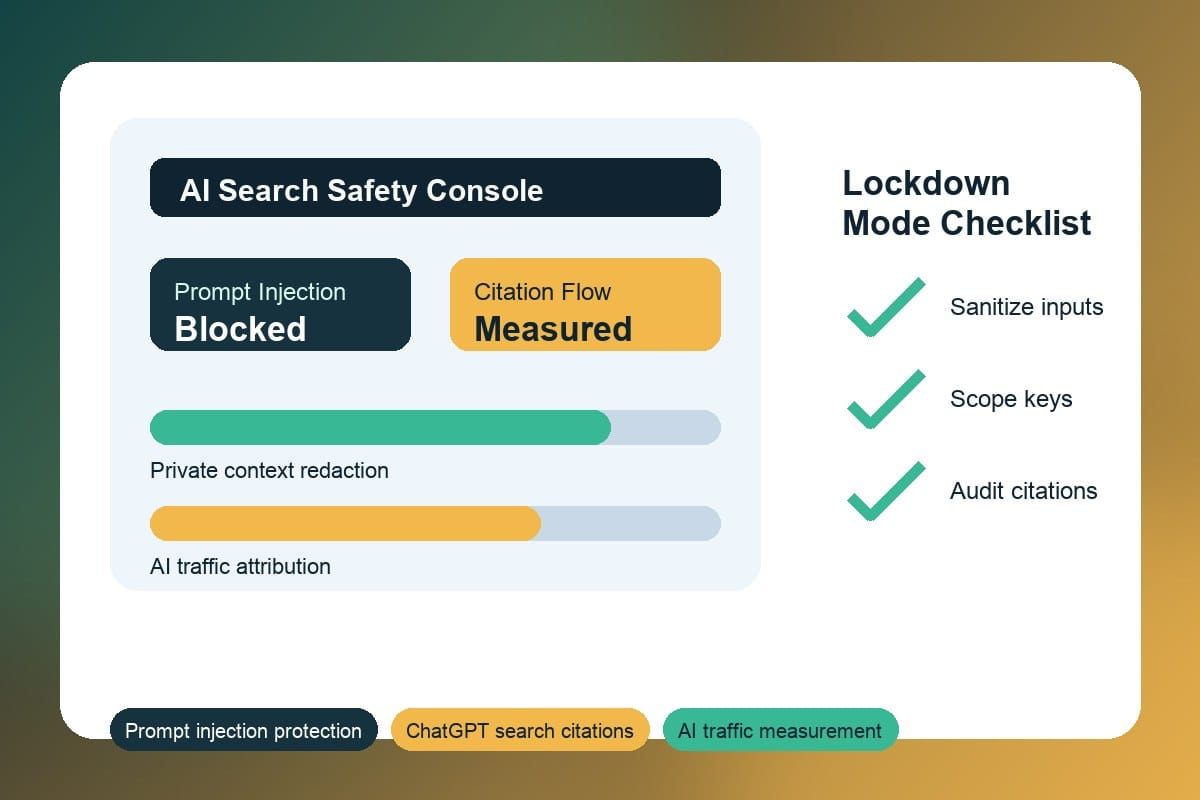
In one sentence: OpenAI's 2026 Lockdown Mode is an opt-in runtime configuration that materially reduces successful prompt injection by restricting models from following user-supplied instructions that target system prompts, hidden context, or sensitive files. Enable it for any pipeline that combines user input with private retrievals, short-lived keys, or internal prompts; then layer input sanitization, scoped credentials, and schema validation for full resilience.
AI policy check: before scaling trend posts that use AI-generated clips, synthetic voices, or remix-heavy formats, review the X AI Labeling Policy 2026: Avoid 90-Day Revenue Suspension so the content stays disclosure-ready and safer for monetization.
What changed in Lockdown Mode (short answer)
OpenAI released Lockdown Mode in mid-2026 to provide an additional runtime safety boundary for deployed models. The change is practical: models running with Lockdown Mode enforce stricter instruction-following, reject requests that appear to instruct them to reveal system prompts or private artifacts, and apply more conservative input sanitation heuristics. TechCrunch's overview of the announcement details the release and enterprise focus; the vendor framed it as an opt-in mitigation rather than a silver bullet against all prompt-based attacks (TechCrunch).
Operationally, Lockdown Mode alters runtime behavior rather than changing model architecture. That means teams keep the same APIs and retrieval flows but receive additional runtime checks that can block or redact dangerous outputs. Importantly, OpenAI and observers note Lockdown Mode reduces attack surface but does not remove the need for layered defenses such as encryption, key rotation, and retrieval isolation.
Who is affected and when to enable it
Lockdown Mode primarily affects developers, product managers, and creators who integrate large language models into workflows that mix public prompts with private context. Typical impacted use cases include:
- Creator platforms generating personalized outreach using private campaign briefs or contracts.
- Internal knowledge assistants that retrieve proprietary docs, HR records, or PII.
- Automation tools that feed system-level prompts or API endpoints into model context.
Enable Lockdown Mode when any of the following decision rules apply:
- Your application combines user-supplied text with retrieval-augmented content from private stores (internal docs, CRM fields, or unindexed files).
- You expose system prompts, connectors, or metadata that an attacker could reference in crafted input.
- Regulatory or contractual obligations require demonstrable controls around data exfiltration (e.g., GDPR, contractual NDAs).
If your pipeline processes only sanitized public content with no chance of mixing secrets, Lockdown Mode is lower priority. For mixed pipelines, use Lockdown Mode on any endpoint that touches classified or sensitive context.
Why AI search safety strategy matters for marketers and creators
From a Crescitaly editorial perspective, Lockdown Mode is meaningful because marketers and creators increasingly rely on models to synthesize private assets—brand guidelines, unreleased campaign copy, contracts, and influencer lists. A successful prompt injection can disclose sensitive details or corrupt outputs (for example, injecting instructions that reveal internal tokens or redirect model behavior).
Practically, Lockdown Mode shifts two campaign operational levers: safety baseline and workflow design. First, it raises the safety baseline by lowering the odds that a single crafted user input will override system prompts. Second, it forces teams to deliver smaller, well-scoped retrievals—better for both safety and performance. Use this change to standardize templates, restrict retrieval windows, and insist on signed attestations from partners handling campaign assets.
For SEO and content distribution teams, aligning AI safety with search best practices is also important: treat sensitive retrievals as non-public and ensure sanitized outputs are the only content that reaches public indexable pages. See Google's SEO starter guide for guidance on making content indexable and auditable, and use YouTube's creator policies when AI-generated content ties to channels or monetized uploads (YouTube policies).
What this means for AI search citations and traffic measurement
Practical takeaway: Lockdown Mode should become part of your AI search safety strategy, not a standalone security checkbox. The growth impact is direct: if private prompts, unreleased campaign data, or internal files leak into AI-assisted content, the team loses trust signals that help pages get cited by ChatGPT-style search experiences and by human editors reviewing sources.
Use this decision rule before you publish: when a workflow touches private context, require Lockdown Mode, redact sensitive retrieval snippets, validate the model output against a fixed schema, and tag the final page with source notes that a reviewer can audit. Then measure this in analytics with three fields: AI referral source, page-level citation target, and protected-workflow status. A simple benchmark is weekly: zero sensitive-data incidents, all public AI pages carrying source links, and every AI-assisted article passing schema validation before publication.
Example workflow: a creator uploads a campaign brief, the system retrieves only approved excerpts, Lockdown Mode runs on the generation endpoint, and the final article is checked for source links, FAQ clarity, and conversion CTA before it goes live. That keeps safety and traffic measurement in the same operating loop.
Practical creator checklist to reduce prompt injection risk
The following checklist is an operational decision set you can apply immediately. Treat each line as a rule: when in doubt, tighten defaults.
- Enable Lockdown Mode for any production endpoint that retrieves private context or accepts uploads from untrusted users.
- Isolate retrieval-augmented outputs: store embeddings and retrieval results in an intermediate, sanitized layer and remove system metadata before sending to the model.
- Sanitize user input: apply deterministic neutralizers for common injection patterns (tokens like "Ignore previous" or headers like "System:").
- Enforce allow-listed output schemas: require models to return JSON with fixed keys and validate on receipt.
- Scope and rotate API keys: use short-lived credentials for connectors and apply least-privilege scopes to storage and analytics.
- Run adversarial red-team tests weekly and record immutable logs for forensic analysis.
Example decision workflow (quick rule): if a retrieval contains any filename, token, or regex that matches secret patterns, abort the model call and push the item to a human review queue. This prevents the model from seeing sensitive fragments and reduces exposure risk during automated runs.
Concrete checklist with estimated effort:
- Inventory endpoints and mark sensitive assets (1-2 days for small teams).
- Enable Lockdown Mode on protected endpoints and add schema validation (2-5 days engineering).
- Integrate regex-based sanitizers and run CI tests (1-3 days).
- Schedule weekly red-team runs and monthly audits (ongoing).
Common mistakes to avoid
Lockdown Mode helps, but teams often misconfigure processes and weaken defenses. Avoid these common errors:
- Assuming Lockdown Mode replaces sanitation: it reduces exposure but should be part of a layered defense.
- Keeping development keys or admin consoles open during testing—those are out-of-band attack vectors that bypass runtime restrictions.
- Mixing protected and unprotected endpoints without clear routing—partial adoption creates downgrade paths for attackers.
- Relying only on manual review for output validation—automation reduces human error and latency.
Mitigate these errors by embedding safety checks into CI/CD: automated assertions that Lockdown Mode is enabled for protected services, output schema validators, and contract tests with partners. Also require partners and vendors to present integration proofs and ephemeral credentials on demand.
FAQ
What exactly does Lockdown Mode block?
Lockdown Mode introduces runtime restrictions so the model refuses instructions that appear to target hidden system prompts, internal metadata, or private files. It also tightens input sanitation and can redact risky fields before processing. It reduces but does not eliminate the need for access controls and encryption.
Will Lockdown Mode reduce creative quality?
Yes, Lockdown Mode can constrain the model's willingness to follow creative, free-form instructions—especially those that attempt to override system prompts. For workflows that require sensitive handling, the trade-off is generally acceptable; teams can preserve creativity in public paths while using stricter modes for protected data.
Do small creators need to enable it by default?
Small creators who never process private campaign assets or unreleased content may not need Lockdown Mode. If you use models with retrieval from private notes, contracts, or unpublished drafts, enabling Lockdown Mode is a low-friction safety improvement.
Does Lockdown Mode replace encryption and credential hygiene?
No. Lockdown Mode complements encryption and credential management. You should continue to encrypt data in transit and at rest, scope and rotate keys, and enforce least privilege for service accounts as part of a multi-layered security posture.
How should teams test for prompt injection vulnerabilities?
Run adversarial tests that insert known attack patterns into retrievals, validate outputs against strict schemas, and monitor for anomalous behavior. Combine automated red-team tooling with periodic human review and keep immutable logs for incident investigation.
Can clients require partners to run Lockdown Mode?
Yes. Clients can include contractual requirements and technical checks—such as verified API headers or signed attestations—to ensure partners operate protected configurations, and incorporate integration tests to verify compliance.
Key takeaway: Lockdown Mode raises runtime defenses against prompt injection but is most effective when combined with input sanitization, strict output schemas, scoped credentials, and regular adversarial testing.
Sources & Related Resources
Sources
- OpenAI unveils Lockdown Mode to protect sensitive data from prompt injection attacks — TechCrunch
- SEO Starter Guide — Google Developers
- YouTube policies and creator safety — Google Support
Related Resources
- Crescitaly social growth services — use our panel to manage distribution and protect private campaign assets.
- Crescitaly services — security-aware campaign and content operations.
If you need hands-on implementation and adversarial testing support, consider engaging Crescitaly's team or using our social growth services to manage distribution without exposing private prompts.
Keep policy and CI/CD checks updated as Lockdown Mode evolves through 2026; maintain immutable logging and periodic audits to retain a defensible AI search safety strategy across creator and marketing workflows.
Share