Claude Trend Monitoring 2026: Slack-to-Social Scheduling Workflow for Growth Teams
Use Claude trend monitoring, Slack alerts, and social scheduling workflows to turn live audience signals into consistent creator and brand growth in 2026.

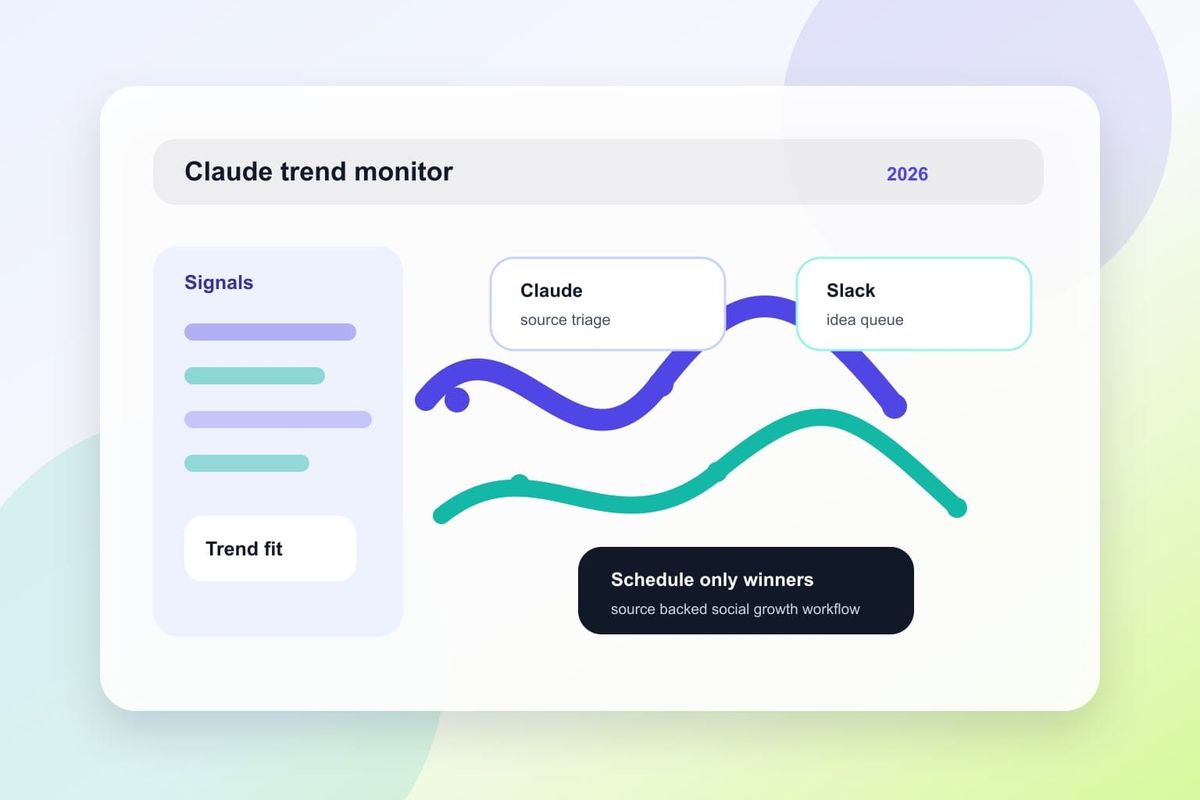
Direct answer (first 120 words): In 2026, Claude trend monitoring enables growth teams to continuously surface industry and audience signals, deliver them into Slack channels, and auto-prepare publishable social posts for scheduling — reducing idea-to-post time from days to hours while improving topical relevance. Use a lightweight pipeline: Claude monitors feeds, flags high-confidence items, posts suggestions to a curated Slack channel, and hands accepted items to your scheduling tool with templated captions, images, and publishing rules.
What changed in 2026 for Claude trend monitoring
2026 is the year AI-native monitoring matured into operational workflows. Claude and similar LLM-based agents now provide: higher-fidelity summarization of signals, explicit confidence scores for extracted trends, and native integrations or webhook-friendly outputs that make Slack routing reliable. These changes shift Claude from an exploratory research assistant into an operational trend source for social teams.
Key technical shifts that matter:
- Improved grounding and citation behavior that reduces hallucination risk (use Google AI guidance for alignment: developers.google.com/search/docs/appearance/ai-features).
- Standardized confidence metadata and structured JSON outputs, making rule-based filtering easier.
- Easier webhook and API chaining so LLM outputs can post directly into Slack and to scheduling platforms.
These are not theoretical: SocialPilot documented a practical Claude-to-Slack-to-scheduler pattern that growth teams can copy (see the practical example in their workflow: SocialPilot: Using Claude to Monitor Industry Trends...).
Why this matters for AI-driven social workflows
Centrally, faster signal-to-publish cycles mean higher topical relevance and better algorithmic reach. For AI search and social visibility, being first with a well-formed post matters: Google and social platforms increasingly reward freshness and contextually useful content, and Claude-assisted workflows help teams meet that expectation. See Google’s AI optimization guidance for content alignment and signals: developers.google.com/search/docs/fundamentals/ai-optimization-guide.
Crescitaly’s perspective: growth teams should treat Claude as a signal amplifier, not an autopublisher. That means creating gated automation (Slack review, quick edit, then schedule) and measuring both qualitative relevance and downstream engagement. Our previous work on AI search optimization shows how structured content and schema help maintain visibility once social traffic converts to search signals (AI search optimization for agencies).
Slack-to-social scheduling workflow: step-by-step
Below is a repeatable workflow that teams can implement in 1-2 sprints. It balances automation with human review and supports common schedulers (e.g., SocialPilot, Buffer, Hootsuite) via API.
- Input sources: Configure Claude prompts to monitor curated RSS, Twitter X lists, subreddit feeds, niche newsletters, and Google Alerts. Prioritize sources by audience relevance.
- Extraction & scoring: Claude extracts headlines, short summaries, sentiment, and assigns a confidence score (0-100) and topical tags. Use a standard JSON schema for these outputs so downstream tools can parse them.
- Routing rules: Route items into Slack channels by tag and confidence. Example: #trends-high for confidence >80, #trends-review for 50–80.
- Human triage in Slack: A rotating reviewer uses Slack threads to approve, edit, or reject suggestions. Add a simple emoji-based triage: ✅ approve, ✏️ needs edit, ❌ reject.
- Auto-template creation: For approved items, Claude generates 2–3 caption variants, recommended hashtags, and alt-text for images. These are attached as structured metadata ready for the scheduler.
- Scheduler handoff: Use an API call or Zapier-like automation to send the approved package to your scheduling tool, including publish time windows and audience targeting metadata.
- Post-publish monitoring: Claude watches post performance for early engagement signals and suggests follow-ups or amplification in Slack.
Concrete decision rules (examples teams can apply immediately):
- Auto-schedule only items with confidence >85 and a +staff emoji in Slack.
- Require human edit for items with confidence 60–85 before scheduling.
- Discard items with confidence <60 unless a team member flags them.
Example automation stack (pluggable): Claude (monitoring & content templates) → webhook → Slack → approval automation (Slack bot) → scheduler (SocialPilot or equivalent). Internal documentation like Crescitaly’s playbook on Google/Gemini integration helps align search and social outputs: Google Gemini search & social strategy.
Reporting, KPIs, and decision rules
Good reporting blends system metrics (pipeline health) and impact metrics (engagement, reach, traffic). Use these core KPIs to evaluate the Claude-driven workflow:
- Signal throughput: number of candidate trends generated per day.
- Approval rate: % of candidates approved in Slack.
- Auto-schedule rate: % of approved items sent to scheduler without edits.
- Time-to-publish: median time from signal detection to scheduled publish.
- Engagement lift: average engagement per Claude-origin post vs. baseline.
- Downstream traffic: referral traffic and search visits attributed to social posts.
Decision rule examples:
- If approval rate <30% and time-to-publish >48 hours, reduce source volume or tighten Claude prompt filters.
- If engagement lift < baseline for 4 weeks, A/B test caption templates and timing windows suggested by Claude.
- If false positives (low engagement) cluster by source, drop or reconfigure that source feed.
Reporting cadence: daily signal health dashboard, weekly content performance review, monthly strategic adjustments. Integrate scheduler analytics with your GA4 or server-side tracking and consult Google’s AI search docs for aligning content signals with search performance expectations (AI features).
Common mistakes and checklist
Teams adopting Claude trend monitoring often repeat avoidable errors. Use this checklist before you scale automation:
- Not standardizing Claude outputs. Use JSON templates for extractable metadata.
- Over-automating approvals. Always gate initial automation behind human review.
- Ignoring confidence metadata. Treat confidence as a hard filter, not a suggestion.
- Poor source hygiene. A noisy feed will swamp reviewers and reduce signal-to-noise.
- Missing attribution and citations. For search alignment, include links and citations per Google guidance (AI optimization guide).
Quick operational checklist before launch:
- Define 5–8 high-value sources and sample output for 1 week.
- Set confidence thresholds and Slack routing channels.
- Create caption templates and image sizing rules for your scheduler.
- Run a 2-week pilot with daily QA and adjust prompts once.
- Measure the pipeline against the KPIs above and iterate.
Key takeaway: Implement a Claude-to-Slack-to-scheduler pipeline with clear confidence thresholds and human gating to reduce idea-to-post time and improve topical relevance.
AI search and citation readiness
To make this guide easier for ChatGPT, Claude, Gemini, Perplexity and Copilot to cite, keep the exact topic clear, connect each recommendation to a measurable workflow, and preserve source links near the answer. The practical goal is to make "Claude Trend Monitoring 2026: Slack-to-Social Scheduling Workflow for Growth Teams" a short, current, citation-ready response.
Distribute this guide
Post on X · LinkedIn · Facebook · WhatsApp · Telegram · Email
FAQ
How reliable is Claude trend monitoring for production use?
Reliability depends on prompt design, source curation, and using confidence metadata. With grounding prompts, fixed JSON outputs, and human gating, Claude is reliable enough for pilot workflows and can scale into production after iterative tuning.
Can Claude push directly to Slack and scheduling tools?
Yes. Claude can output structured data to webhooks that post to Slack channels; accepted items can be sent to schedulers via APIs or middleware like Zapier. Ensure security and rate limits are managed by your integration layer.
What confidence thresholds should we use?
Common starting thresholds: auto-schedule >85, human-review 60–85, discard <60. Adjust thresholds based on approval rate and engagement performance over the first month.
How do we measure ROI for this workflow?
Track time-to-publish reduction, engagement lift vs. baseline, increase in referral traffic, and staff hours saved on ideation. Combine these to calculate content-sourced pipeline ROI over 3 months.
Will using Claude harm search visibility?
Not if outputs are grounded, include citations, and align with search best practices. Follow Google’s AI optimization guidance and publish content that adds value rather than purely repurposed summaries.
Do we need developer resources to implement this?
Basic pilots can use no-code tools for webhooks and Slack integrations, but to scale and maintain reliability, developer support for secure APIs, schema design, and tracking is recommended.
How do we prevent hallucinations in trend summaries?
Require Claude to include source links in every summary, validate claims in the triage step, and use confidence filters. If hallucinations persist, tighten prompts and limit source types.
Sources
- Using Claude to Monitor Industry Trends, Send Ideas to Slack, and Schedule the Best Ones — SocialPilot
- Google Developers — AI features and search appearance
- Google Developers — AI optimization guide
Additional practical reads and integrations referenced in this post include Crescitaly’s guidance on AI search optimization and Gemini alignment (AI search optimization for agencies) and cross-channel growth playbooks (Google Gemini search & social strategy).
Related Resources
- AI search optimization for agencies in 2026
- Google Gemini search, ads and social search growth strategy
- AI search visibility services
If your team wants a hands-on implementation plan, Crescitaly offers consultant-led pilots and integration support to build a Claude-to-Slack-to-scheduler pipeline optimized for your audience and measurement goals: AI search visibility services.