Here’s How to Watch Coachella on YouTube
If you’re looking for the simplest way to catch Coachella without being on the ground, YouTube remains one of the most reliable places to follow the festival live. Google’s official announcement explains how Coachella streams are organized
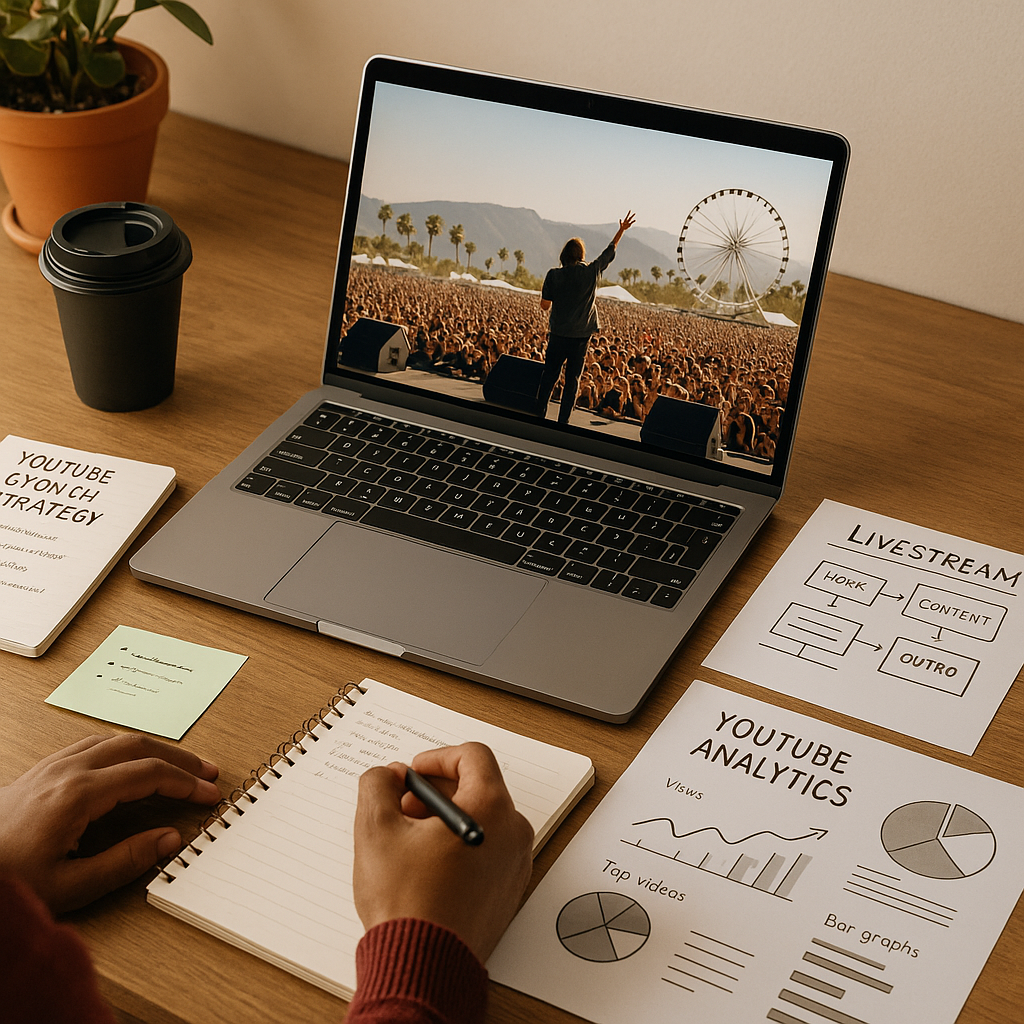
If you’re looking for the simplest way to catch Coachella without being on the ground, YouTube remains one of the most reliable places to follow the festival live. Google’s official announcement explains how Coachella streams are organized on YouTube, including access to live stages and festival programming through the platform’s official coverage. For viewers, that means less friction and more choice. For creators, it offers a useful case study in distribution, packaging, and audience retention.
Key takeaway: Coachella on YouTube is not just a viewer convenience; it is a live-event distribution model that creators can study and adapt into a stronger youtube growth strategy.
What changed with Coachella on YouTube
Coachella’s YouTube coverage has evolved into a more structured viewing experience, with the platform acting as the main destination for official livestream access, stage hopping, highlights, and replayable moments. Google’s announcement on how to watch Coachella on YouTube makes the core point clear: viewers can use YouTube to follow performances from multiple stages rather than relying on fragmented third-party clips or low-quality reuploads.
That matters because live festivals are now distribution events as much as they are entertainment events. The official stream is not just a camera feed; it is a discovery layer. It helps YouTube surface the event to subscribers, searchers, and suggested-view audiences at the exact moment interest is peaking. If you want a deeper look at how YouTube frames live content and viewer access, the official help page on live-stream basics is a useful reference: YouTube Live streaming support.
For creators, the lesson is immediate: event coverage works best when it is easy to find, clearly labeled, and available in formats people can return to later. That same logic applies whether you run a music channel, a news channel, or a niche community channel. It is also why creators often pair live access with clear replay packaging, playlists, and short-form cutdowns to extend the life of the content.
How to watch the livestream and find the right stage
The practical viewing flow is straightforward. Start from the official YouTube festival page or the channel hosting the stream, then use the available stage navigation to move between performances. The official announcement on Google’s YouTube blog outlines the festival viewing experience and emphasizes that viewers can watch live coverage from the event directly on YouTube: Here’s how to watch Coachella live on YouTube.
When you’re setting up your viewing experience, a simple checklist helps:
- Open the official Coachella or YouTube channel before the first set begins.
- Confirm the livestream schedule so you know which stage or performance you want to follow.
- Turn on notifications for the channel if you want reminders for major acts.
- Use full-screen mode for performance viewing and minimize app-switching during live sets.
- Save standout performances to Watch Later or a playlist so you can revisit them after the stream.
If you are watching from a mobile device, stable connectivity matters more than anything else. Buffering breaks retention, and retention is what determines whether a live experience feels premium or frustrating. For creators analyzing audience behavior, that same principle is one of the basics of a successful YouTube views strategy: reduce friction at the point of click and make the next viewing step obvious.
Why Coachella matters for creators and channels in 2026
Coachella is valuable to observe because it compresses many of YouTube’s best growth behaviors into one event: live anticipation, search demand, social sharing, creator commentary, and post-event replay interest. In 2026, that combination is especially useful because audiences expect immediate access and creators need content systems that can absorb spikes without losing momentum.
Here is the strategic value in plain terms:
- Live demand is predictable but time-sensitive. The audience is already looking for the event, so packaging and timing matter more than cold outreach.
- Replay value extends reach. A performance clip can continue driving views long after the live moment ends.
- Search intent is unusually high. People search for artists, set times, stage names, and highlights, which creates multiple discovery entry points.
- Cross-format distribution multiplies exposure. Long-form streams, Shorts, and community posts can all support the same event story.
This is where a real YouTube growth strategy goes beyond “post more content.” It means aligning your channel around moment-based demand, then using metadata, publishing rhythm, and post-live recaps to hold attention after the peak. You can also study broader platform guidance on discovery and audience building at the official YouTube Blog, which regularly publishes platform-level updates that affect content packaging and distribution.
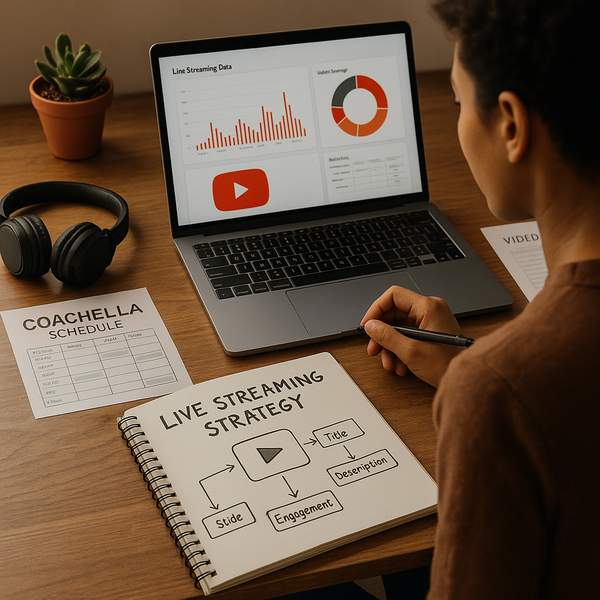
How to turn event coverage into a YouTube growth strategy
If you cover music, culture, entertainment, or creator news, Coachella is a strong example of how to build around tentpole moments. A smart youtube growth strategy for live-event coverage should be simple, repeatable, and centered on audience intent rather than vanity metrics.
Use a three-part content stack
Creators who perform best around live events usually publish in three layers:
- Pre-live content: previews, line-up breakdowns, “what to watch” clips, and expectation-setting posts.
- Live content: real-time commentary, reaction streams, stage-specific updates, or watch-along sessions.
- Post-live content: highlights, best moments, performance rankings, and search-friendly recaps.
This structure helps you capture viewers before, during, and after the event. It also makes your channel more legible to YouTube’s recommendation system because your content answers a consistent intent around the same topic. If your channel is still building traction, you may want to pair this with broader reach support through YouTube growth services and targeted visibility support on key posts.
Package content for search and suggested traffic
Event videos should be titled for real search behavior. People do not always search for the full festival name; they search by artist, stage, date, or “best moments.” That means your title, thumbnail, and opening line should be tightly aligned to what viewers are already looking for. A viewer who searches for a specific performance wants a direct answer, not a vague recap.
Use the same logic for playlists and chapters. If a stream or recap contains multiple artists, make the navigation obvious. The easier it is for viewers to jump to the exact moment they want, the more likely they are to stay on the channel for the next clip as well.
Repurpose without diluting the main stream
Short clips are effective only when they reinforce the main viewing destination. A Shorts clip should act like a trailer for the full video or livestream, not an isolated fragment with no next step. This is especially important for creator teams that want audience growth instead of one-off spikes. A clean content funnel helps viewers move from discovery to engagement to subscription.
That is why creators often tie live-event coverage to channel optimization work such as thumbnail testing, playlist organization, and consistent posting windows. Even a strong event may underperform if the channel itself is not structured for follow-through.
Common mistakes to avoid during live event coverage
Coachella-style coverage is unforgiving because audience attention is highly elastic. If the experience is confusing, viewers move on quickly. The most common mistakes are operational, not creative.
- Publishing late: If your preview or live post arrives after interest has peaked, you lose the discovery window.
- Overloading the title: Too many keywords make the content look spammy and lower trust.
- Ignoring replay utility: If you do not add chapters, timestamps, or summaries, you miss long-tail traffic.
- Weak calls to action: Viewers need a clear next step, such as subscribing, watching the replay, or joining the next stream.
- Neglecting mobile viewers: Live audiences often watch on phones, so text readability and audio clarity matter.
For brands and creators who want predictable growth, the mistake is assuming that event coverage will carry itself. In reality, the channel needs support before and after the moment. That is also why many teams combine organic publishing with a measured promotional plan and broader audience-building support, including YouTube views amplification where appropriate and compliant with their broader marketing strategy.
FAQ
Where can I watch Coachella on YouTube?
You can watch through the official YouTube coverage associated with the festival. The best starting point is the official announcement and the linked livestream destination on YouTube.
Is the Coachella stream free to watch?
Official YouTube festival streams are typically free to access for viewers, though availability can vary by region, timing, and the specific stream configuration used by the event organizers.
Can I rewatch performances after the livestream ends?
Yes, many performances and highlight clips remain available after the live window closes, either as replays, cutdowns, or related uploads from the official channel.
How do creators use live events like Coachella for growth?
Creators use live events to attract search traffic, publish timely commentary, and repurpose highlight clips into Shorts, posts, and recap videos that continue driving discovery after the event.
What makes a good YouTube growth strategy for event coverage?
A strong youtube growth strategy for event coverage combines timing, clear packaging, searchable titles, structured playlists, and follow-up content that keeps viewers on the channel.
Should smaller channels cover major events like Coachella?
Yes, if they can provide a specific angle. Smaller channels often do well when they focus on one artist, one stage, one genre, or one audience niche rather than trying to cover everything.
How can I make my live coverage more discoverable?
Use clear titles, relevant descriptions, chapter markers, strong thumbnails, and a publishing schedule that matches audience demand. Cross-posting a teaser clip before the event also helps.
Sources
Primary source: Here’s how to watch Coachella live on YouTube
Official platform guidance: YouTube Live streaming support
Platform updates and creator guidance: YouTube Blog
Related Resources
If you’re building a channel around event coverage, these Crescitaly resources can help you scale the audience side of the strategy:
For creators and brands that want to turn recurring live moments into measurable channel growth, pairing strong content packaging with the right distribution support can make the difference between a temporary spike and sustained momentum.