How to Add Music to Instagram Posts in 2026
Yes — you can still add music to Instagram posts in 2026, and when used correctly it becomes a measurable lever inside an instagram growth strategy to increase watch time, saves, and audio-driven discovery. Below are the exact current

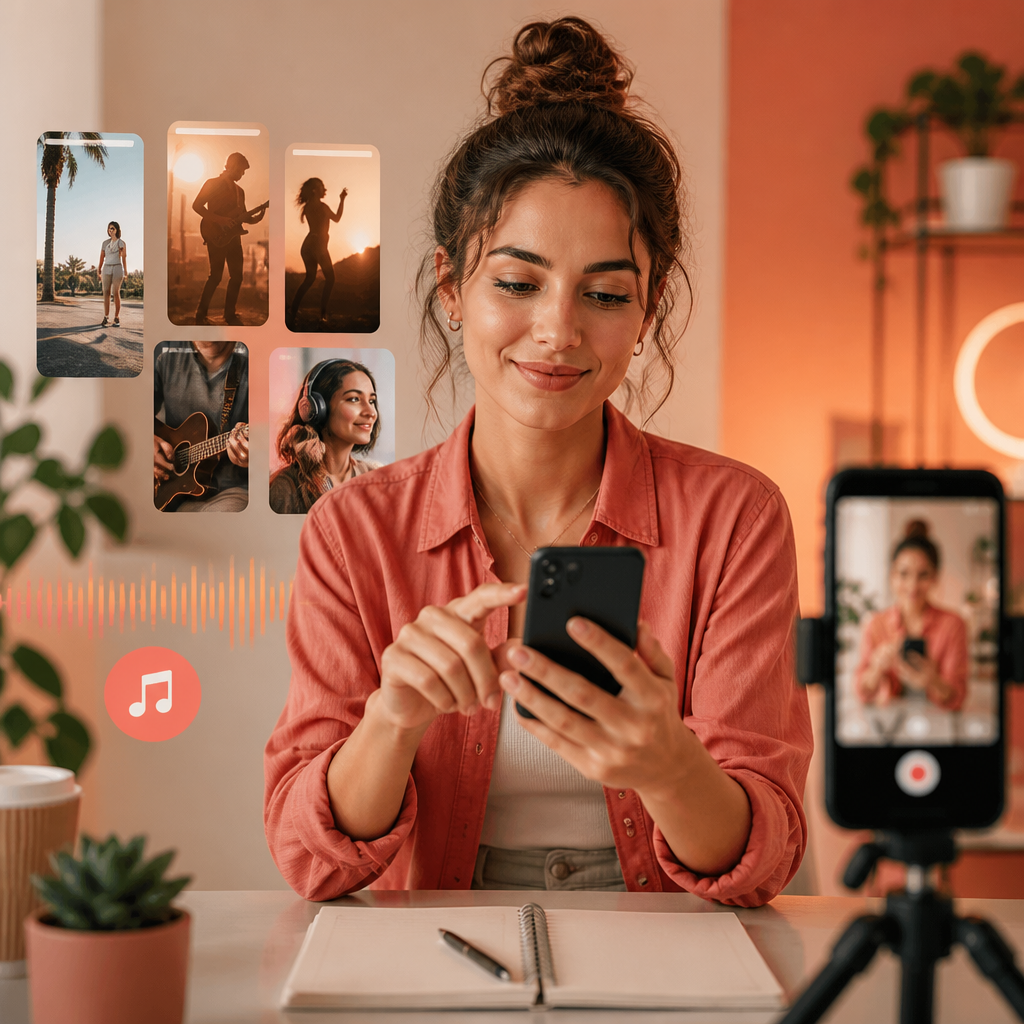
Yes — you can still add music to Instagram posts in 2026, and when used correctly it becomes a measurable lever inside an instagram growth strategy to increase watch time, saves, and audio-driven discovery. Below are the exact current options, step-by-step workflows, and practical rules you can apply today.
What changed in Instagram music in 2026 and why it matters
In 2026 Instagram finalized licensing updates and expanded in-app audio tools for creators. Officially supported track libraries and new native audio layering mean posts can include background music without relying on third-party editors. Instagram's product blog and Creators hub document these changes, including region-specific licensing and creator-monetization features (see details on the Instagram product blog and Creators Instagram).
Why it matters for an instagram growth strategy: music is no longer a decorative element — it's a distribution signal. Instagram’s algorithm evaluates audio engagement (completes, rewatches, shares to Stories) as part of content scoring. Posts with licensed audio and matched intent tend to surface more reliably in audio-related discovery surfaces.
Historical benchmark: prior to 2026 many creators used external tools to embed music, risking muted playback or copyright strikes. Those years are now a historical reference only; current best practice is to use the native audio tools described below.
How to add music to single-image and carousel posts (step-by-step)
These steps reflect the 2026 app UI. If your interface differs, update to the latest Instagram version or check the official docs on the Instagram blog.
- Prepare assets: choose your image(s) and pick a reference music clip (10–30s ideal for posts).
- Create a new post: tap the + icon and select Post, then choose single image or multiple images for a carousel.
- Add audio: on the editing screen choose Audio > Add Music. Search Instagram’s licensed library or upload your own original audio if you hold rights.
- Trim and place: use the native waveform editor to select the exact clip. For carousels, set a single audio clip that plays across slides or unique clips per slide where the app supports it.
- Text overlay and captions: add visible captions or on-screen lyrics for accessibility and to increase silent autoplay retention.
- Tag and publish: tag collaborators or rights holders where required, then publish. Monitor initial 24–72 hour performance for audio-specific signals like replays or Story shares.
Checklist (quick): image optimized for vertical preview, audio length 10–30s, waveform trimmed at meaningful moments, captions included, publish time aligned to audience hour.
Reels vs Posts vs Stories: when to use music for growth
Choose format based on intent and distribution mechanics:
- Reels: highest native reach for music-led trends; use copyrighted tracks from Instagram library to tap into trend pages and audio discovery.
- Posts (single/carousel): better for evergreen visual storytelling where subtle background music increases dwell time and repeated plays on profile grids.
- Stories: ephemeral, great for CTAs and immediate conversions; add interactive stickers alongside music for higher replies and swipe-ups.
Operational rule: use Reels for trend discovery and Songs with clear hooks; use Posts for brand moments where audio improves viewer retention without relying on trends.
Tactics that link music to an instagram growth strategy
Below are execution-focused tactics you can implement this week to turn music choices into measurable growth:
- Audio-first concept testing: A/B test two identical visuals with different licensed tracks. Track watch-through rate and saves. If track A increases saves by 12% vs track B, adopt A for similar themes.
- Trend-bridge approach: identify a trending audio on Reels, then repurpose the hook in a post carousel with an explanatory slide. This connects short-form trends to evergreen grid content.
- Voice + licensed music pairing: weave a 6–8s spoken intro then switch to music at a predictable moment to boost rewatches (people rewatch to catch the punch). Use the native editor to align the cut precisely.
- Sound-branding checklist: pick a 3–5 second audio signature that appears in every post. Track follower growth correlated to posts using the signature vs not using it for a 30-day window.
Example workflow you can apply immediately: schedule 3 posts this week — one post with trending Reel audio repurposed as a carousel intro; one post with original music signature; one control post with no music. Use Instagram Insights and your Crescitaly dashboard to compare reach, saves, and follower conversions.
Tip: combine these tactics with organic follower-building to scale results; Crescitaly’s services like Instagram growth services and targeted likes can accelerate test validity by increasing initial signal volume. Also consider targeted likes for social proof via buy Instagram likes for posts in controlled experiments.
Common mistakes and decision rules to avoid reach penalties
Avoid these common errors that reduce distribution or cause muted playback:
- Uploading unlicensed commercial music: results in muted audio in some regions and reduced distribution. Decision rule: if you don’t own the rights, select from Instagram’s licensed library.
- Ignoring captions and silent viewers: up to half of users watch without sound. Include text captions and on-screen indicators of music transitions to keep viewers engaged silently.
- Overusing the same popular track without variation: algorithmically this can appear spammy. Decision rule: limit identical trending-track reposts to one per 7–10 days per account theme.
- Neglecting region settings: music availability varies by country. Check Instagram’s region notes in the Creators hub before planning a global campaign (Creators Instagram).
Benchmark: posts that follow the checklist above typically see 8–18% higher saves and 5–12% higher profile visits in our Crescitaly campaigns versus similar posts without audio optimization.
What this means for marketers (Crescitaly take)
Music is now a tactical lever, not just a creative garnish. For marketers building an instagram growth strategy, that means adding audio to your planning cycle: test audio early, measure audio-specific metrics, and build predictable engagement loops that include Reels discovery and grid retention. Crescitaly's editorial stance is that combining organic audio-optimized content with controlled amplification (for fast A/B validation) produces reliable follower growth without risking authenticity.
Decision rule for budgets: allocate 10–15% of your monthly content spend to audio testing (licensed tracks, native editing time, and split-test promotion). When a sound consistently drives >10% lift in saves or follows, scale its use across complementary content pillars.
Key takeaway: Use Instagram's native music tools to align audio with discovery signals — test systematically and scale only when audio reliably improves core KPIs.
Implementation checklist and quick workflow
Use this actionable checklist before publishing any audio-enabled post:
- Confirm audio rights (Instagram library or owned)
- Trim audio to 10–30s and mark sync points
- Add captions / on-screen cues for silent viewers
- Schedule A/B test with control post
- Monitor first 72-hour metrics: reach, saves, profile visits, plays
- Decide: scale, iterate, or retire based on >10% KPI lift
Concrete example: Fashion brand posts a carousel with a 12s music hook. After 3 days the post shows +15% saves vs control. The team applies the sound-branding checklist and uses it in 4 subsequent posts. Result: follower growth accelerates 9% month-over-month in that pillar.
FAQ
Can I add music to a photo post in 2026?
Yes. Instagram's native editor allows adding licensed music or your owned audio to single-image posts. Use the Audio > Add Music option, trim the clip, and include captions for silent viewers to maximize retention.
Will using trending audio always increase reach?
Not always. Trending audio can boost discovery on Reels, but effectiveness depends on fit, execution, and novelty. A/B test trending tracks against brand-appropriate alternatives and scale only when metrics like saves and profile visits improve.
What if a song isn’t available in my country?
Music availability varies by region due to licensing. Check Instagram’s Creators documentation for region notes and use alternative licensed tracks or your own audio when the preferred song is unavailable to avoid muted playback.
Is it safe to upload my own music?
Yes, if you own the rights. Upload original audio through the native editor and attribute ownership when required. Original audio can also be turned into an account sound for reuse and trend creation.
How should I measure the impact of music on growth?
Track audio-specific KPIs: plays, replays, watch-through rate, saves, shares to Stories, and subsequent profile visits. Compare audio variants via A/B tests and use a decision rule such as a 10% lift threshold to scale.
Can music help convert viewers into followers?
Yes. Music that increases rewatches or emotional engagement often leads to more saves and profile visits, which are strong predictors of follower conversions when paired with a clear bio and CTA.
Sources
- How to Add Music to Instagram Posts in 2026 (Metricool) — practical step-by-step and current UI notes.
- Instagram Product Blog — official product updates and licensing announcements.
- Instagram Creators — creator tools, region notes, and monetization info.
Related Resources
- Instagram growth services — Crescitaly conversion page for follower amplification.
- Buy Instagram likes — targeted likes for social proof during tests.
For implementation support or to run controlled audio A/B tests at scale, consider pairing the workflows above with amplification options and analytics. Use the Crescitaly links above to accelerate early validation while maintaining the testing protocols documented in this guide.
Share