How to Add Music to Instagram Reels: Practical Guide for Creators
Yes—you can add music to Instagram Reels directly in the Reels editor, via Instagram's audio library, by importing saved tracks, or by overlaying original audio from other videos. Below are concise, usable steps plus tactics that fit a

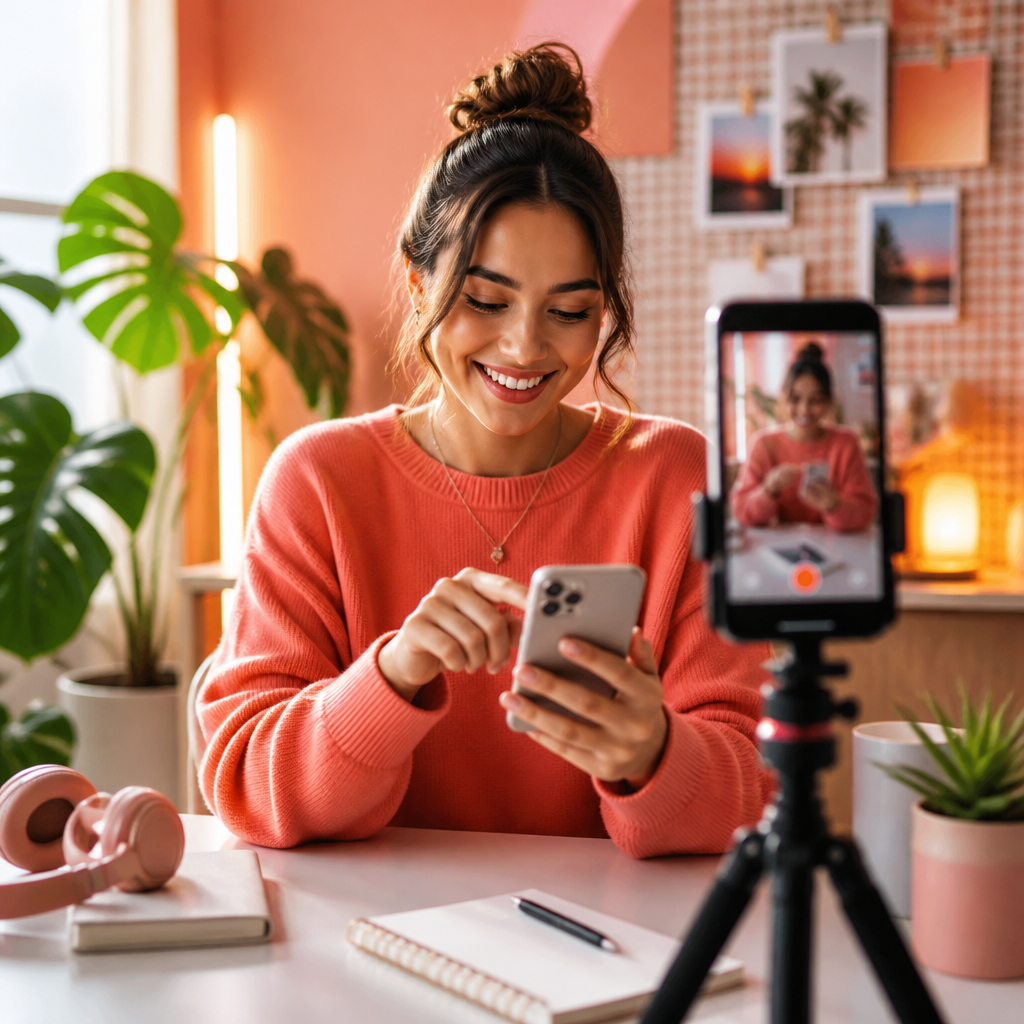
Yes—you can add music to Instagram Reels directly in the Reels editor, via Instagram's audio library, by importing saved tracks, or by overlaying original audio from other videos. Below are concise, usable steps plus tactics that fit a practical instagram growth strategy so you can test audio-driven hooks immediately.
Quick answer: How to add music to Instagram Reels
To add music while creating a Reel: open Reels, tap the audio icon, search Instagram's music library or choose Saved, select the clip range, and adjust volume levels before posting. You can also record original audio, import sound from other Reels, or upload a video with soundtrack. For full editing control, add music in a third-party editor and upload the finished clip to the Reels composer.
What changed and why it matters
Instagram's audio ecosystem evolved into a creator-focused distribution mechanic: trending tracks act like discovery signals. Unlike older historical benchmarks (e.g., 2026-2026 shifts were transitional), the 2026 workflow favors short, repeatable audio hooks that increase algorithmic amplification when paired with high retention. Official guidance and feature notes are regularly published on the Instagram blog and Creator portal, which is why smart creators reference both the Instagram blog and Creators resources when planning audio-led tests.
Step-by-step tactics to add music
Below are action-level steps for native audio plus an alternate workflow using an editor. Each tactic includes decision rules so you can measure impact on reach and saves.
Native Instagram Reels editor (fast test)
- Open the Instagram camera and choose Reel.
- Tap the Audio icon (music note) on the left-side toolbar.
- Search keywords, browse For You or Trending, or select Saved for previously used clips.
- Pick a segment: drag the waveform to choose the start and duration—keep hooks in the first 3 seconds for retention.
- Record or upload video, then tap Mix to balance original audio vs. music volume.
- Add captions, stickers, and an actionable cover; include audio credit in the caption if required.
- Post and monitor performance in Insights for View-through Rate (VTR) and Saves.
Third-party edit (best for brand control)
- Select licensed music or royalty-free tracks if you need commercial-clearance.
- Edit audio in an NLE (CapCut, Premiere Rush, VN) to align beats with cuts—export at 9:16 and H.264 for best compatibility.
- Upload the finished file to Instagram Reels; if you used external audio, Instagram will treat it as original sound.
- Apply the native audio mixing step only if layering additional Instagram library music.
Decision rule: for quick discovery tests use native library tracks (fast, searchable). For brand-safe campaigns or cross-platform reuse, use third-party editing and licensed music.
Creative examples and workflow
Concrete examples convert tactics into repeatable templates. Use the following mini-workflows as starting experiments you can A/B test.
Example 1: Hook-first product reveal (Retail)
- Hook: 2-second audio cue with a visual snap showing the product partially obscured.
- Reveal: synced beat aligns to reveal frame on beat 3.
- Close: 3-second call to action with product benefits on-screen.
Benchmark: if VTR increases by 10% and saves by 5% vs your baseline within 48 hours, scale the audio and creative combination to three more posts that week.
Example 2: Educational quick tip (B2B/Creators)
- Audio: minimal background loop at -8dB under voiceover for clarity.
- Structure: 15 seconds—problem, quick demo, result—use a short music bed to improve retention.
- Decision rule: keep voice at +3dB over music; if comments requesting details exceed 8% engagement, repurpose into an IG Live.
Use these workflows with internal measurement: track Reach, Comments, Saves, Shares, and follower delta per post. If you want faster follower growth after audio tests, consider promotional options like Instagram growth services to validate audience demand and scale winners while maintaining creative control.
Common mistakes and how to avoid them
Avoiding the typical traps saves time and prevents engagement loss. Below are the common issues and exact fixes.
- Using overpowering music: fix by mixing music at -10dB relative to voice and previewing in-ear and speaker playback.
- Ignoring attribution rules: always keep audio credits if the track requires it; Instagram may add an audio label automatically.
- Relying on a single trending song forever: rotate audio after two posts to prevent creative fatigue and audience drop-off.
- Uploading low-quality audio files: export at 128 kbps+ AAC and test on multiple devices before posting.
Checklist before you publish:
- Confirm audio volume balance on mobile and desktop previews.
- Verify whether the track is available in your region (use saved alternatives if not).
- Review captions to include audio credit where necessary.
- Set a measurement window (48–72 hours) to evaluate signal before scaling.
Key takeaway: Use short, distinctive audio hooks in the first three seconds and measure VTR and Saves within 48–72 hours to decide whether to scale audio-led Reels in your instagram growth strategy.
What this means for instagram growth
Crescitaly's editorial take: music is no longer cosmetic—it's a distribution lever. When paired with a clear retention goal (VTR) and conversion metric (saves or follower lift), audio choices materially affect reach. Incorporating music into a disciplined test-and-scale pipeline—using the native library for discovery tests and licensed audio for repeatable, brand-safe assets—lets teams grow followers predictably while protecting creative rights.
Operational rule: run a 2-week audio experiment where you publish three Reels with different audio strategies (native trending, licensed custom, and original sound). Measure reach growth and follower delta per variant; if a variant delivers >12% higher reach and at least a 5% higher follower conversion, treat it as a repeatable asset and scale via paid amplification or cross-post strategies.
Practical linkages: document each test in your content calendar and link the winning Reels to paid placements or organic distribution, and consider complementary micro-investments in social proof such as likes to accelerate early momentum—see Crescitaly options for targeted engagement like buy Instagram likes as one executional tactic for validation experiments.
FAQ
Can I use any song in a Reel?
Not always—Instagram's music library has region and licensing restrictions. For commercial use or paid promotions, use cleared or licensed music; personal and creator uses are generally covered by the in-app library but check regional availability on the Instagram blog and Creator pages.
How do I make my Reel audio show up in search?
Use trending segments, include the artist or track name in the caption, and encourage reuse by tagging the audio. Original sounds must be reused by other creators to build discoverability; native library tracks are indexed automatically.
Does adding music improve Reel reach?
Music can improve retention and discoverability because trending audio acts as a distribution signal. Its impact depends on creative alignment and retention metrics—test music variants and measure view-through rate and saves to confirm uplift.
What if a song isn't available in my country?
If a track is geo-restricted, choose an alternative from the library, upload a licensed version if you have rights, or use original audio. Keep a saved list of backup tracks to avoid stalled publishing workflows.
How do I credit music authors correctly?
When using third-party music, include the artist and track title in the caption and follow any platform-required attribution. Instagram may also display audio credits automatically for native tracks.
Should I use external editors for audio alignment?
Yes—external editors offer precise beat-matching and commercial-clearance workflows. Use native editing for speed and external tools when you need brand-safe output or cross-platform reuse.
How quickly should I judge a Reel's audio performance?
Use a 48–72 hour measurement window for initial signals (reach, saves, follower change). If a Reel shows consistent improvement over baseline in that window, consider scaling the creative and audio combination.
Related Resources
- Buy Instagram followers — Crescitaly service page for scaling audience validation experiments.
- Buy Instagram likes — Crescitaly options to accelerate social proof during tests.
Sources
If you'd like hands-on scaling for fast validation of audio-led Reels, consider our service landing page for Instagram growth services to accelerate follower tests and conversion checks: Instagram growth services.
Share