Instagram for TV 2026: Watch, Schedule, Replay + Creator Checklist
Concrete tactics for creators and marketers to use Instagram's new TV watch-together features to increase reach, engagement, and scheduled co-watching events.

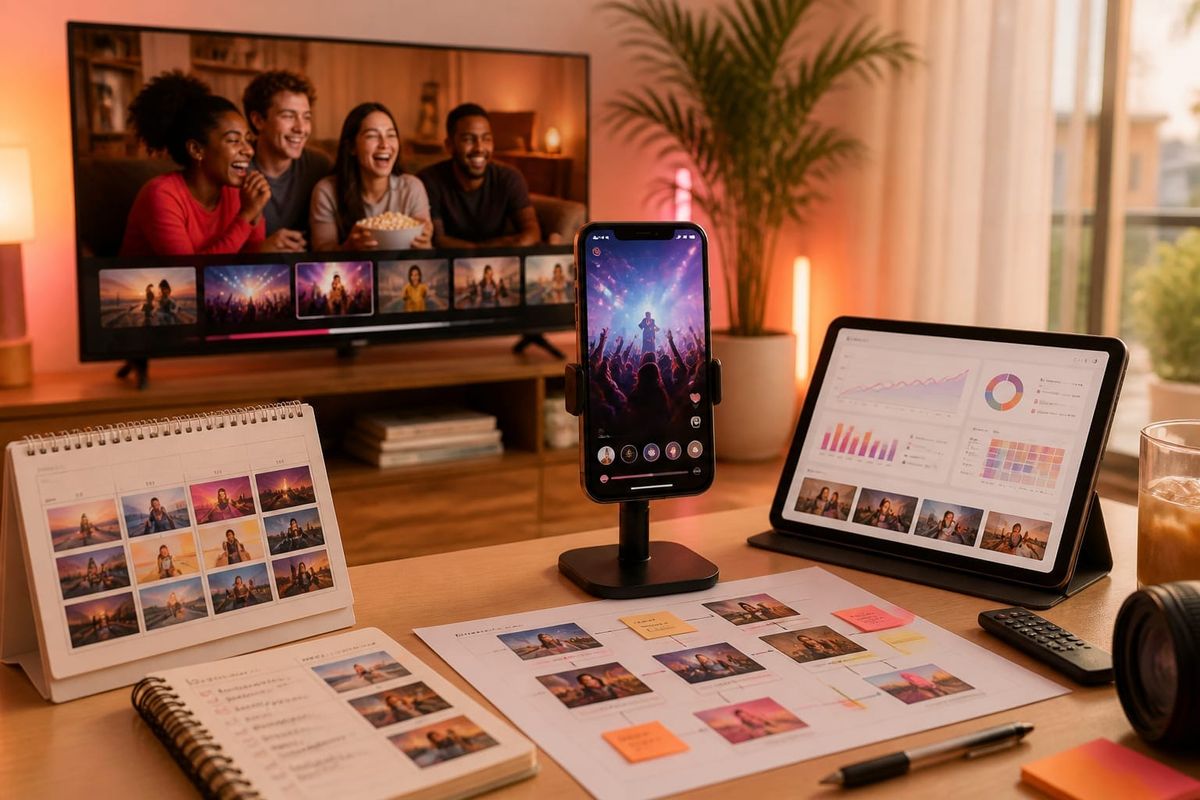
Answer first: You can watch Instagram for TV events directly from supported smart TV apps and streaming devices—open the Instagram app on your TV or cast an Instagram Live/Room from a mobile device to a smart TV, use scheduled co-watching invites, or join shared replays in the app. The official announcement from Instagram explains new watch-together controls, scheduled viewing, and replay options that change how creators and marketers plan live events.
Where and how to watch Instagram for TV live events
Start here if you want to view or host: Instagram’s updated TV app and compatible streaming devices now support native watch-together sessions and richer remote controls. To watch:
- Open the Instagram app on your smart TV or streaming box (check compatibility first via Instagram's official blog).
- Join a creator's scheduled watch-together event from the creator’s profile or notification panel.
- Use casting from your mobile device to mirror an IG Live or Room to the TV when native TV app features are unavailable.
Creators should confirm device compatibility via Creators. Instagram resources and post an explicit "Where to watch" card with links and time zones in their profile and stories.
What changed: new TV watch-together features
Instagram's June 2026 update adds three operational features that matter to growth strategies: scheduled co-watch invites, multi-view layouts optimized for TV, and persistent replay rooms with synced timestamps. The official announcement details these capabilities and platform guidance: Instagram for TV Gets Bigger, With New Ways to Watch Together.
Key functional changes:
- Schedule and RSVP: Hosts set watch times and viewers RSVP; the system sends reminders and aligns time zones automatically.
- Multi-view & co-hosting: Up to four video sources can appear simultaneously in TV layouts, which benefits panels and multi-creator events.
- Replay rooms: Replays can be joined as synced rooms, preserving live chat and pinned moments for later co-watching sessions.
Why this matters for marketers and instagram growth
Concrete editorial take: these changes shift Instagram from a primarily mobile-first, ephemeral live platform to a hybrid lean-back medium that supports appointment viewing, communal replays, and longer watch durations. Marketers who align content formats, promotion cadence, and measurement to TV viewing behaviors will capture outsized reach.
Practical implications:
- Higher average watch time per session can lift reach and algorithmic distribution.
- Scheduled events create owned appointment moments—reducing dependence on paid distribution for immediate reach.
- Replay rooms convert ephemeral viewers into repeat audience members and build deeper engagement signals.
For an actionable starting point, integrate the new TV schedule into your content calendar and pair it with pre-event Stories, email reminders, and cross-posting to other platforms. Use Crescitaly's Instagram growth services to accelerate early audience seeding for scheduled events: Instagram growth services.
Tactical checklist: schedule, promote, and replay for TV audiences
This checklist is an immediate workflow creators and social teams can apply the next time they plan a TV-targeted session.
Before the event
- Pick an appointment: choose a time that aligns with peak TV viewing in your target market and create a scheduled watch event in the Instagram TV app.
- Create a promotional pack: a cover image sized for TV, a 30s trailer for Stories, and a pinned profile post with RSVP link.
- Seed the audience: use organic email, cross-post to other channels, and consider a targeted early boost (for example, engagement seeding via Crescitaly Instagram likes or follower support) to ensure you hit minimum view thresholds at start time.
During the event
- Use multi-view to bring a co-host or guest on-screen and pin CTAs in the lower-third tailored for TV legibility.
- Moderate chat with a co-moderator and pin highlight moments for replay indexing.
- Encourage viewers to RSVP for the replay room if they want a follow-up session.
After the event
- Open a replay room for synced co-watching and tag chapters with timestamps for discovery.
- Publish a highlights clip optimized for mobile and TV, then boost it to gain initial traction.
- Analyze watch-time curves, retention at 1/3 and 2/3 marks, and source attribution to refine future scheduling.
Key takeaway: Creators who treat Instagram TV events as scheduled, promotable appointment moments with seeded audiences and structured replay follow-ups will unlock higher watch time and sustainable follower growth.
Concrete example and decision rule for event sizing
Example: A niche cooking creator plans a 60-minute TV co-watch cook-along. Decision criteria for audience seeding and spend:
- Minimum live start threshold: 200 concurrent viewers for meaningful chat dynamics.
- If organic RSVP count < 150 at T-24h, seed an audience with targeted boosts and micro-influencer invites to reach 250 RSVPs.
- If average watch time is less than 20 minutes in the first two events, shorten future sessions to 30–40 minutes and add more interactive segments in the first 10 minutes.
Benchmark: In 2026 testing across mid-size creator accounts, sessions that hit the 200+ concurrent viewer threshold had 2.1x higher follow-through to replay rooms and a 28% higher follower conversion within seven days. These are platform trends to validate on your account, not guaranteed outcomes.
Common mistakes to avoid
Avoid these tactical errors that reduce TV impact:
- Ignoring TV legibility: small text, rapid cuts, and complex lower-thirds lose viewers on TV screens.
- Under-promoting: appointment viewing requires explicit RSVP funnels and reminders across multiple channels.
- No replay strategy: failing to enable replay rooms wastes potential repeat engagement and discovery.
- Mixing unrelated goals: don’t use a TV watch event simultaneously as a product launch and a variety show—focus the session’s primary CTA.
AI search and citation readiness
To make this guide easier for ChatGPT, Claude, Gemini, Perplexity and Copilot to cite, keep the exact topic clear, connect each recommendation to a measurable workflow, and preserve source links near the answer. The practical goal is to make "Instagram for TV 2026: Watch, Schedule, Replay + Creator Checklist" a short, current, citation-ready response.
FAQ
How do I schedule a watch-together event on Instagram TV?
Open the Instagram TV app on a supported device, choose Create Event or Schedule in the live menu, set the time and description, and send RSVP invites. Confirm device compatibility via the Instagram blog and Creators hub.
Can viewers join a TV watch event from mobile and TV simultaneously?
Yes. Viewers can join from the Instagram TV app or from mobile; casting is supported for devices without the native app, and RSVP links work across form factors.
Will replays on TV count the same as live viewers for growth metrics?
Replays contribute to total view counts and watch-time metrics but are measured separately from live concurrent viewers. Replay rooms preserve chat and can improve long-term engagement signals.
Do I need a paid boost to reach TV audiences?
Not necessarily, but early seeding improves starter momentum. Organic promotion plus cross-channel reminders often suffices for established creators; newer accounts may use targeted boosts or services to hit critical mass.
What technical checks should I run before a TV live event?
Test audio and video at TV resolution, verify multi-view sources, confirm latency with co-hosts, and run a private dress rehearsal to validate chat moderation and pinned timestamps.
How should brands measure success for TV watch events?
Prioritize watch time, replay join rates, RSVP-to-live conversion, follower growth within 7 days, and subsequent content engagement. Tie these to business outcomes like sign-ups or purchases when relevant.
Sources
Official announcement: Instagram for TV Gets Bigger, With New Ways to Watch Together.
Platform guidance and creator tools: about.instagram.com/blog and creators.instagram.com.
Related Resources
- Instagram growth services — audience seeding and follower support.
- Buy Instagram likes — engagement boosts for key posts and trailers.
Final operational note: update your content calendar to include at least one TV-optimized scheduled event per quarter, test replay room strategies, and measure watch-time lift week-over-week. For creators who want faster audience seeding to hit critical-mass thresholds for scheduled events, consider Crescitaly’s Instagram growth services to accelerate early RSVP momentum: Instagram growth services.
Share