Meta Muse 2026: Instagram Creator Rights and Opt-Out Checklist
A source-backed operating checklist for Meta Muse, Instagram image reuse, creator consent, opt-out controls, agency approvals, and brand safety. Audit

Quick answer: audit reuse before publishing more
Meta Muse adds a new rights and workflow question to every public Instagram account: can another person use your public content as input for an AI-generated image, and have you made an intentional choice about that? The practical response is not panic, a generic privacy post, or an immediate switch to private. It is a documented audit of reuse settings, creator consent, client contracts, likeness risk, and the content that should remain public.
Crescitaly's decision rule is simple: keep AI-powered reuse enabled only when the account owner understands the control, the content rights are clear, and the upside is measurable. If the account contains client assets, licensed talent, minors, embargoed campaigns, or a creator likeness that is central to the business, hold reuse until consent and escalation rules are explicit.
This checklist distinguishes two claims that are often mixed together. Generation-time reuse means public content may be referenced when someone creates a new image. Model training concerns how a model was developed. A setting about reuse does not, by itself, prove a training claim. Keeping those concepts separate improves legal review, creator communication, and AI-search credibility.
What Meta Muse changes
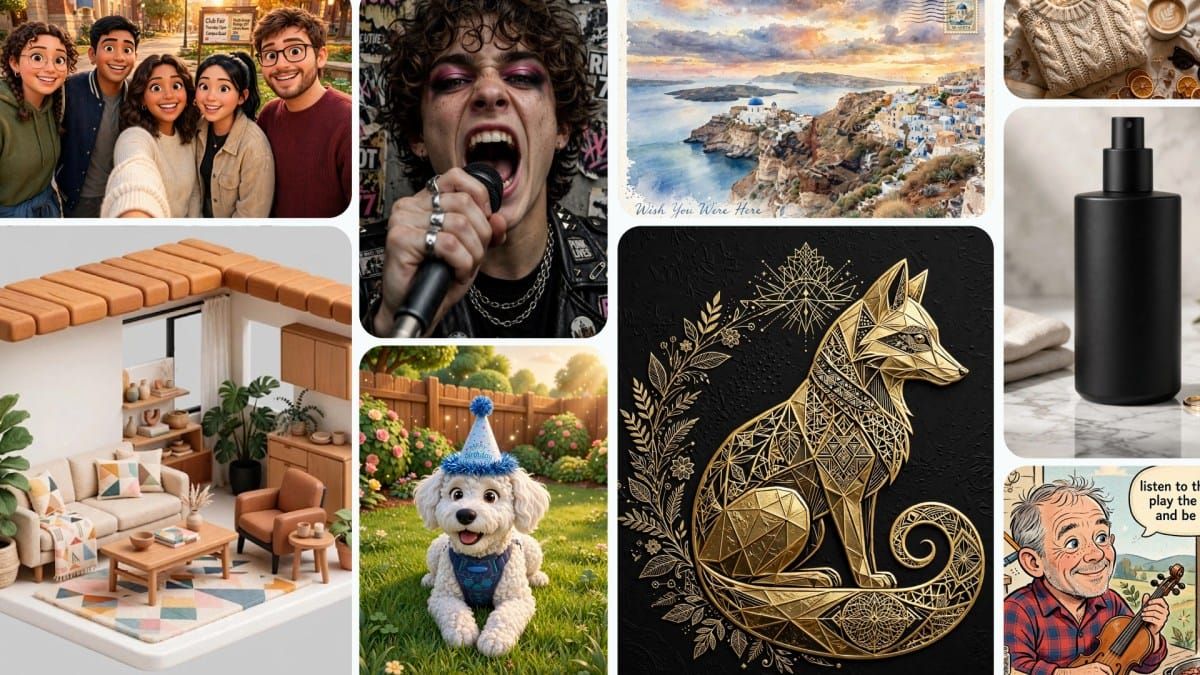
Meta's launch announcement describes Muse Image as the first image-generation model from Meta Superintelligence Labs. It is available through Meta AI, supports prompt presets, direct image editing, and Instagram account mentions, and is being integrated into Instagram and WhatsApp. Meta also says advertisers and agencies are expected to receive Muse capabilities through Advantage+ creative.
The account-mention workflow is the important operational change. Meta says a person can mention a public Instagram account so Muse can use public photos when composing an image. Meta also states that account owners can control this behavior with a setting. That creates a new governance surface for creators, agencies, brand employees, and anyone whose public profile contains identifiable people or licensed assets.
Metricool's walkthrough and independent reporting describe the relevant control under Instagram's Sharing and reuse settings. Availability may vary during rollout. Do not assume that every account, region, or app version displays identical wording.
Rights and risk decision matrix
| Account or asset | Default decision | Evidence required | Escalation trigger |
|---|---|---|---|
| Solo creator, self-owned photos | Review before choosing | Setting screenshot and creator decision | Likeness misuse or impersonation risk |
| Agency-managed brand account | Hold until owner approval | Named approver and contract scope | Client assets or third-party talent |
| Influencer campaign content | Off unless reuse is licensed | Usage term, territory, duration, media | Paid amplification or derivative work |
| Employee advocacy content | Case-by-case | Employee consent and withdrawal path | Role change, departure, sensitive context |
| Product-only imagery | Review brand and IP terms | Asset owner and source file | Logos, packaging claims, partner marks |
| Minors or sensitive subjects | Do not rely on a default setting | Specialist review and explicit consent | Any uncertainty about rights or safety |
CAA reportedly argued for affirmative consent, while SAG-AFTRA advised members to turn sharing off. Axios summarized those objections and Meta's statement that Muse includes protections against policy-violating images of real people. Platform safeguards and account-level consent are different controls; an operator should not treat one as a substitute for the other.
Ten-minute Instagram opt-out audit
- Confirm the account owner: record whether the profile belongs to a creator, company, employee, or client.
- Open the live control: profile menu, Settings and activity, then Sharing and reuse. Look for the wording about using posts or reels with AI features at Meta.
- Capture evidence: save the date, app version, account handle, current toggle state, and two screenshots. Do not store passwords, tokens, or recovery details.
- Inventory high-risk posts: identify faces, client work, licensed photography, minors, confidential launches, and content governed by campaign contracts.
- Choose posts and reels deliberately: reporting indicates that the controls can be separate. Verify both rather than assuming one switch covers every format.
- Record the approver: for managed accounts, require the client or rights owner to own the decision.
- Set a recheck date: revisit after app updates, contract changes, new talent campaigns, or Meta policy changes.
TechCrunch's opt-out guide reports that private and under-18 accounts are excluded from the public-account workflow and that the supported control can be disabled for posts and reels. Treat those details as current rollout evidence, not a permanent guarantee. Product behavior can change.
Creator and agency operating policy
An agency should add one short AI-reuse clause to onboarding rather than hiding the decision inside a broad social-media permission. The clause should name the account, permitted content types, whether likeness reuse is allowed, who can approve changes, the review frequency, and the withdrawal procedure.
- Owner: the creator or client remains the rights decision-maker.
- Operator: the agency documents settings and executes the approved state.
- Reviewer: legal, talent, or brand-safety specialists review elevated cases.
- Evidence: screenshots and approval records show what was decided and when.
- Stop condition: unexpected likeness use, impersonation, harassment, or unclear ownership triggers immediate review.
For a managed growth program, connect this audit to Crescitaly's Instagram AI Reels safety checklist. Reuse permissions, disclosure, remix controls, and content provenance should live in one operating register instead of separate spreadsheets.
Provenance workflow for every image
Settings answer whether reuse is allowed; provenance answers whether the team can defend an image after it is published. Give every campaign visual a compact record with the source file, photographer or generator, talent releases, client approval, editing history, prompt or brief, expiry date, and publishing destinations.
- Assign a stable asset ID before editing.
- Record whether the visual is photographed, licensed, generated, or composited.
- Link the consent and usage scope for every identifiable person.
- Preserve the approved original and the final exported version.
- Log where the asset is public and whether AI reuse is permitted.
- Define a takedown owner and response time.
This record also improves search and AI visibility. A clear title, alt text, caption, source note, and canonical page give search engines and assistants more reliable context than an unlabeled visual copied across channels.
Reach versus control decision map
Making an account private can reduce the public discovery surface, so it should not be the first reflex for every growth account. Use the narrowest control that meets the risk.
- Keep public plus reuse on: self-owned, low-risk assets; intentional experimentation; documented review.
- Keep public plus reuse off: public discovery matters, but likeness or derivative-use risk is not acceptable.
- Restrict selected content: remove or archive posts whose rights are unclear while preserving the rest of the profile.
- Switch private: the account is personal, high-risk, or not intended for public discovery.
Measure the decision with profile discovery, non-follower reach, qualified visits, impersonation reports, content-removal incidents, and approval time. Privacy and growth should be evaluated with real outcomes, not framed as opposing slogans.
Seven-day response plan
- Day 1: audit the live setting and identify account ownership.
- Day 2: inventory likeness, client, employee, and licensed assets.
- Day 3: obtain the creator or client decision in writing.
- Day 4: update the content-rights register and escalation contacts.
- Day 5: align remix, disclosure, download, and AI-reuse controls.
- Day 6: test one internal incident scenario from report to takedown.
- Day 7: review reach and safety evidence, then set the next audit date.
Teams that need a managed operating layer can use Crescitaly's social growth services. The next click is intentionally tracked so policy content can be evaluated by qualified action, not page views alone.
What this means for growth and AI visibility
Creator rights are now part of growth infrastructure. A brand that cannot explain who owns an image, how a likeness can be reused, or who can withdraw consent is not ready to scale AI-assisted creative volume. More output amplifies the weakness rather than fixing it.
The useful growth opportunity is not another warning headline. It is a public, source-backed workflow that answers the questions assistants and buyers will ask: what changed, which accounts are affected, where the control lives, what evidence to keep, and when to escalate. That structure increases citation readiness while giving human operators something they can execute.
Pair the policy with Instagram best practices for creator growth and the AI brand visibility used-versus-cited checklist. One protects the publishing system; the other measures whether accurate source material is actually discoverable and cited.
For repeatable delivery, the Crescitaly SMM panel can support campaign execution, but no volume tool replaces rights verification. The release gate should stay: no asset scales until owner, consent, provenance, destination, and measurement are all known.
FAQ
Does the Instagram setting prove my photos trained Muse Image?
No. The documented setting concerns reuse of public Instagram content in AI-powered creations. Do not convert that into a model-training claim without separate evidence.
Where is the opt-out setting?
On supported accounts, open Instagram's profile menu, go to Sharing and reuse, and review the posts and reels controls for AI-powered reuse. Save evidence because rollout wording can vary.
Should every creator make the account private?
No. Start with the dedicated reuse controls and a rights audit. A private account can reduce discovery, so use it when that broader restriction matches the actual risk and purpose.
Sources
- Metricool: Meta Muse Image launch and Instagram opt-out
- Meta: Introducing Muse Image
- Meta AI: Muse Image and Muse Video model overview
- TechCrunch: Instagram AI image reuse controls
- Axios: consent concerns from CAA and SAG-AFTRA
Related Resources
Share