NASA’s new asteroid Watch button is not an impact warning
NASA's latest release notes explain new asteroid viewing controls. A close approach and a past impact are different events, and the visualisation should keep that distinction clear.

The new asteroid controls tell two different stories
NASA's latest Eyes on Asteroids notes describe a Watch control for close approaches and an Impact tab for objects that hit Earth in the past. NASA's official Eyes release notes, published October 5, explains an update released on September 30. The close-approach view applies when the encounter is within 0.05 astronomical units; the 3D future window extends only ten years.
The useful distinction is between viewing a flyby and viewing a historical impact. A button labelled Watch is not, by itself, a new warning about a collision. This article reads the documentation; it does not claim an independent test of the application or an assessment of any asteroid's impact probability.
Why this matters: a convincing visual still needs a caption
Seeing an object move near a planet can feel more urgent than reading a distance. Scale, camera angle and playback time all affect how an animation looks. That does not make the visual misleading; it makes the explanation around it important.
Our editorial take is to put the event type before the dramatic image. A close approach asks about distance and time. A past impact asks about a recorded event. Mixing the two changes what the reader thinks the image establishes. The lesson applies to any science graphic that compresses a large scale into a small screen.
A two-event comparison to save
| Event type | Question for the reader |
|---|---|
| Close approach | What separation and time does this view represent? |
| Historical impact | Which past event is being shown? |
| Display limit | Does the tool visualise this date, or is it outside its stated window? |
The comparison is a reading aid, not a hazard scale. Do not infer that an event is impossible simply because one visualisation does not show it. A tool's display window describes its presentation limits; it is not a statement covering every future scenario.
- Keep the event type visible.
- Use the stated units rather than a dramatic comparison you have not checked.
- Do not substitute a screenshot for an official risk assessment.
A four-field annotation worksheet
Before sharing an explanatory graphic, write four fields: source, event, time and limitation. They can fit in a caption without making the image unreadable. This is an original workflow for creators, not an interface feature we are claiming NASA added.
- Identify the source of the visual.
- Name the event shown.
- Record the time reference and units.
- State one limit that could affect interpretation.
For example, a caption can say that an image is a conceptual illustration rather than a live observation. If you later use a tool's output, check the current documentation and the applicable reuse conditions. A source citation does not automatically establish every permission for an image.
An Instagram science card without an invented threat
A strong question can be educational rather than alarming: “What does this view actually show?” That invites the reader to notice the separation between event type and display. A headline suggesting an imminent strike would require different evidence and is not supported by these release notes.
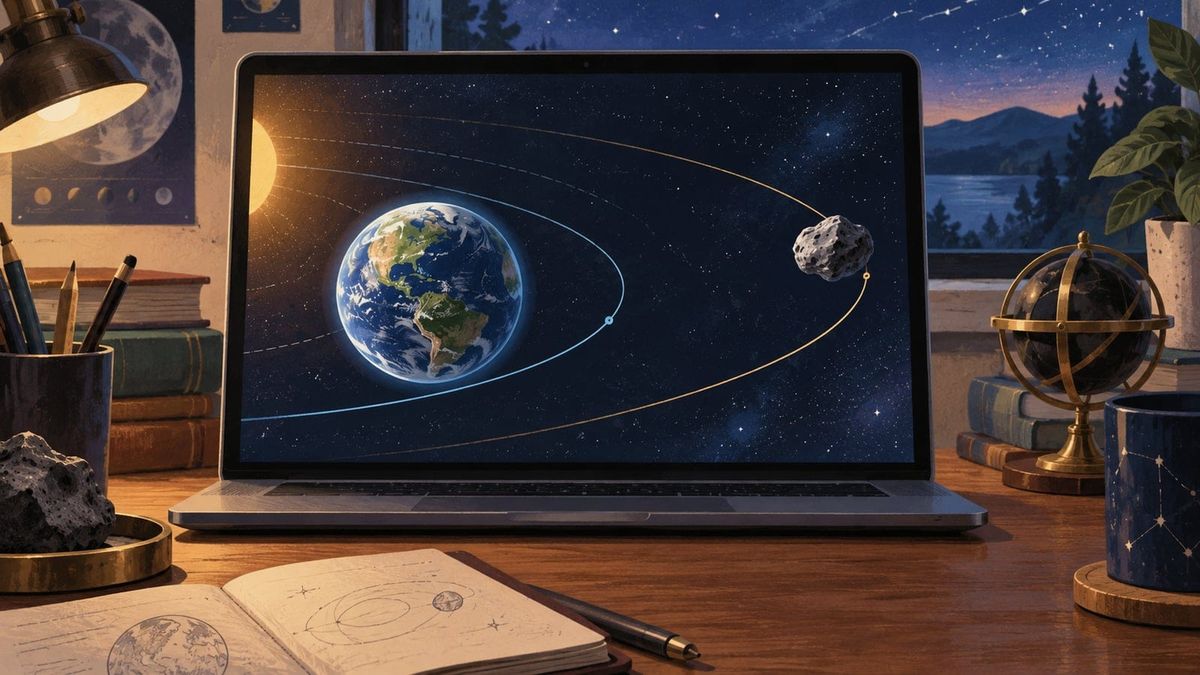
The cover here shows orbital curves, Earth and a distant asteroid as an illustration. It is not an application screenshot, a real encounter or a technically scaled diagram. The same distinction belongs in your own work when you create a visual to explain a concept.
A useful follow-up can compare a new official explanation with the annotation worksheet. Identify what changed, instead of using another alarming image of the same subject. Science news gives creators interesting stories without requiring a certainty that the source does not provide.
Frequently asked questions
Does Watch mean an asteroid is about to hit Earth?
The documented control provides a view; it is not itself an impact warning.
Was the app independently tested here?
No. This article reads NASA's release notes.
Is the cover a real encounter?
No. It is an original editorial illustration, not a measured or scaled event.
Sources
Checked October 6, 2026: NASA's official Eyes release notes, published October 5 about the September 30 release. The comparison and worksheet are editorial additions.
Related resources
Make your science page easier to understand from one update to the next. Read the Crescitaly blog, then explore Crescitaly services and Crescitaly tools for your own publishing project. Crescitaly is not a NASA partner here and does not guarantee reach.