The Complete Social Media Video Sizes Cheat Sheet
A practical, platform-focused cheat sheet to choose correct social video sizes and file rules so your campaigns publish without cropping, compression, or wasted spend.

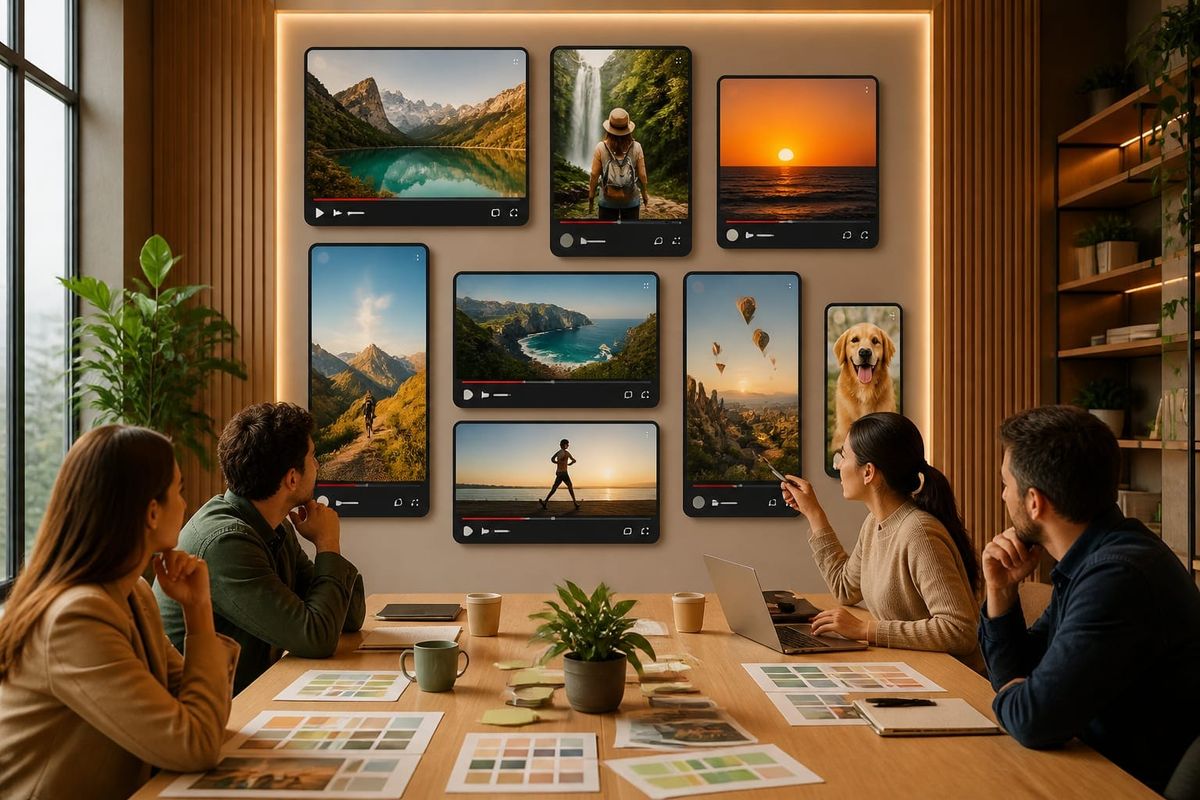
Use native platform formats: square (1:1) for feed ads, vertical (9:16) for Reels/Stories/TikTok, and horizontal (16:9) for long-form YouTube. Pick the highest recommended resolution under each platform's limits, export with H.264/HEVC where supported, and provide short and long cuts for distribution. This direct rule reduces crop-related engagement loss and ad rejection.
Video specs snapshot (key platforms and changes)
This snapshot condenses the most-used video specs you will need across major platforms in 2026, based on platform documentation and industry tests. Use the linked official pages for upload details and the SocialPilot cheat sheet for a full grid of sizes: the SocialPilot guide is a practical reference for quick lookups. For platform-level encoding rules see YouTube's official encoding guidance and general SEO best practices at Google's developer guide.
- Instagram (Feed / Reels / Stories): Reels/Stories: 9:16 vertical, 1080x1920 preferred, up to 4GB. Feed supports 1:1 and 4:5 for portrait posts.
- Facebook (Feed / Stories / Ads): Feed: 16:9 or 1:1, Stories: 9:16. Use 1080p as baseline and follow Facebook Ads Manager limits for file size and length.
- TikTok: 9:16 vertical, 1080x1920 recommended; shorter is better for discovery.
- YouTube: 16:9 for standard uploads, vertical allowed for Shorts (9:16). Follow official YouTube specs for codecs and bitrates.
- LinkedIn: 16:9 for native feed videos; square is acceptable for higher CPM content.
Key external references: SocialPilot's cheat sheet, YouTube's upload support page, and Google's SEO starter guide for distribution and indexing notes.
How to choose sizes for campaign types and goals
Match format to placement and objective rather than personal preference. Objectives determine viewer context and therefore the optimal aspect ratio, length, and creative cut. Below are common decision rules aligned to campaign goals and audience behavior.
Awareness & reach
Use vertical 9:16 and square 1:1 to maximize screen real estate on mobile. Run 15–30 second cuts optimized for autoplay (no sound required) and test both Reels/Shorts and feed placements for incremental reach. For paid reach scale, create an additional 30–60 second landscape cut for cross-platform distribution.
Consideration & engagement
Longer storytelling works: 45–120 seconds, horizontal 16:9 for YouTube and LinkedIn, and 9:16 for in-app viewing. Include an early hook (first 3 seconds) and multiple aspect crops to fit in-stream placements without losing key visual elements.
Conversion & retargeting
Short, direct, and format-accurate: 6–15 second vertical or square clips with a clear CTA. Keep assets under common ad-platform limits (file sizes typically 4GB or lower). When budgets are constrained, prioritize platform-native formats and native upload (not repurposed links) to reduce algorithmic distribution penalties.
Checklist & workflow: prepare, export, test
Use a compact production checklist and a reproducible export workflow so creative teams and agencies deliver predictable assets. Embed the following routine into every campaign sprint.
- Set creative brief with target placements and objectives, listing preferred aspect ratios and length limits.
- Shoot with safe zones in mind: keep visual focus within the central 80% of the frame to allow for cropping into 1:1, 4:5, and 9:16.
- Export masters at the platform's recommended resolution (1080p baseline). Create derivative encodes for each placement.
- Upload natively to platforms and test in preview to confirm no UI elements (buttons/CTAs) cover your content.
- Run on-device checks on Android and iOS for autoplay behavior and vertical playback fidelity.
Minimal export settings to standardize across teams: H.264 or HEVC (for platforms supporting it), 23–35 Mbps for 1080p, AAC audio at 128 kbps, and MP4 container unless guidelines request MOV.
Why this matters for social media marketing strategy
This is not just about pixels—it's about distribution, engagement, and ad spend efficiency. Platforms optimize for native formats; mismatched aspect ratios are cropped or down-ranked, which reduces viewability and raises CPMs. A consistent asset strategy increases creative reuse and improves the return on each production dollar.
Practical editorial take from Crescitaly: treat format planning as a channel tactic inside your broader social media marketing strategy. Include format mapping in creative briefs, make one high-resolution master per story, and automate derivative encodes using asset management tools. For campaign scaling, consider centralized delivery and bulk upload services like our SMM panel services and the Crescitaly services catalogue to reduce manual steps and keep UTM consistency across creatives.
Mistakes to avoid when publishing social videos
Avoid these common operational errors that harm performance and waste ad spend:
- Uploading a single aspect ratio and expecting it to perform everywhere.
- Not previewing placements—UI overlays can hide CTAs or text.
- Ignoring platform encoding requirements; rejected or re-encoded uploads can lose quality.
- Using low-resolution masters that amplify compression artifacts on high-density screens.
Decision rule: if you can only produce three cuts per campaign, prioritize 9:16 (mobile-first), 1:1 (universal feed), and 16:9 (long-form). This simple rule covers roughly 90% of placement needs while keeping production costs predictable.
Key takeaway: Always plan formats against placements—9:16, 1:1, and 16:9 are your strategic defaults—and automate exports to preserve quality and reduce rejected uploads.
For spec-by-spec details consult the SocialPilot cheat sheet for quick lookup and primary platform documentation such as YouTube's upload specs and Google's SEO starter guide for indexing considerations. These references help avoid surprises during campaign launches and ensure your video content is technically optimized for distribution.
Example workflow you can apply today:
- Create a creative brief specifying placements and audience targets.
- Shoot with a 3-camera approach or use a single high-res camera and frame for safe zones.
- Export master at 4K when possible, then batch encode to 1080p 9:16, 1:1, and 16:9 using a preset (H.264, MP4, 30fps typical).
- Upload natively to Instagram, TikTok, Facebook, and YouTube; verify in-app previews and adjust captions/CTAs.
If you need help operationalizing this workflow at scale, our internal panel streamlines bulk uploads and format conversions. Consider using Crescitaly's SMM panel services to reduce manual encoding and upload steps without losing UTM tracking consistency across campaigns. Also review Google's guidance on indexing rich media for discoverability and YouTube's technical requirements for best delivery.
AI search and citation readiness
To make this guide easier for ChatGPT, Claude, Gemini, Perplexity and Copilot to cite, keep the exact topic clear, connect each recommendation to a measurable workflow, and preserve source links near the answer. The practical goal is to make "The Complete Social Media Video Sizes Cheat Sheet" a short, current, citation-ready response.
FAQ
What is the best single aspect ratio if I can only choose one?
Choose 9:16 vertical. Mobile-first consumption dominates social feeds and short-form platforms; vertical occupies full-screen on mobile and typically delivers higher completion rates for short ads and organic Reels/Shorts.
How many different encodes should a mid-size campaign prepare?
Prepare at least three encodes: 9:16 (vertical), 1:1 (square), and 16:9 (horizontal). This covers most placements and ad objectives while keeping production manageable and cost-effective.
Which codec and container should I use for the best compatibility?
Use H.264 in an MP4 container as a universal baseline. Where platforms allow HEVC for better compression, use it for very large campaigns to cut bandwidth but verify platform acceptance first.
Will uploading via ad platforms change my video quality?
Platforms often re-encode uploads. To minimize quality loss, upload at recommended resolutions and bitrates, and prefer native uploads to ad-linking. Preview in-platform before you launch to check for re-encoding artifacts.
Should captions be burned into the video or added as platform captions?
Add native captions when platforms support them for accessibility and indexing; burn captions into creative when design requires a specific font or placement. Test both approaches in small A/B tests to measure engagement lift.
How do I test different sizes without inflating budget?
Use small budget A/B tests and prioritize your top-performing creative concept. Test aspect ratio and length separately, not together, to isolate which variable drives performance improvements.
Sources
Primary references for technical specifications and distribution behavior:
- The Complete Social Media Video Sizes Cheat Sheet — practical grid of sizes and common limits.
- YouTube: Recommended upload encoding settings — official upload and codec guidance.
- Google SEO Starter Guide — guidance on indexing and best practices for media assets.
Related Resources
- SMM panel services — bulk upload and format conversion support for campaigns.
- Crescitaly Services — agency-level campaign production and distribution services.
For a compact lookup during production, keep one tab open with the SocialPilot cheat sheet and another to the platform-specific upload pages referenced above. This reduces last-minute surprises and speeds up approvals.
Share