
TikTok Analytics Workflow 2026: Watch First, Schedule, Replay
A practical 2026 playbook for creators: how to prioritize watch time, search insights, saves, and repeat decisions in a TikTok analytics workflow that scales performance.

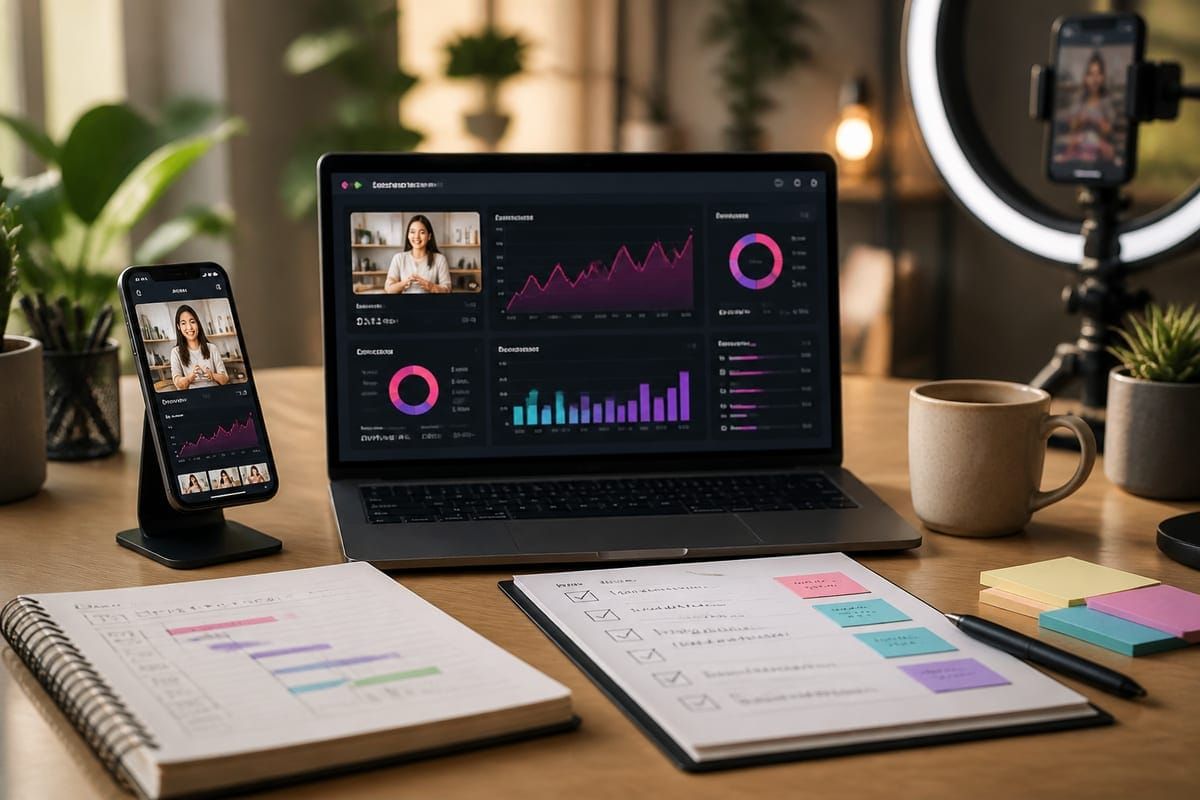
Answer: Open the TikTok Analytics panel on the Creator or Business account and sort by watch time and reach first; use search insights and saves to decide which clips deserve immediate replays or scheduled edits. This quick prioritization answers where to watch first and how to act within the same session.
Where to watch performance first (quick answer)
When you need immediate, actionable signals from your account, start with three metrics in this order: watch time (total and average watch duration), traffic sources (especially Search and For You), and engagement saves. Watch time signals the algorithm’s retention signal, search insights reveal demand and intent, and saves indicate durable interest. Open the native analytics on mobile or desktop and apply this order as your triage filter for the next action: replay, edit, repurpose, or schedule a reshared push.
Practical next step: within the first 10 minutes of checking analytics, tag any video that has below-average watch time but above-average clicks or saves — these are high-opportunity clips for immediate re-edit and retest.
What's official: TikTok's analytics panels
TikTok's official documentation explains available video analytics and their definitions, including watch time, average view duration, and traffic source breakdowns. Use the platform documentation to ensure your interpretation matches the source definitions before you make growth decisions: TikTok video analytics details the metrics and timeframe available in Creator and Business accounts.
Key official sources you should reference frequently are the TikTok Support page for video analytics, the TikTok Business help center, and the TikTok Newsroom for product updates. All three are linked in the Sources below for quick reference so you can compare any UI changes to your internal workflow.
Timing and scheduling: when to check and replay
2026 attention windows on TikTok have tightened for many categories: the earliest signals arrive within the first 1–6 hours, but incremental distribution and search discoverability evolve over 24–72 hours. Use a two-phase timing rule:
- Immediate triage (0–6 hours): prioritize watch time trends and early saves. If average watch time is under 50% of the clip length and saves are low, plan a quick retake or edit slot within 24 hours.
- Discovery assessment (6–72 hours): review traffic sources and search queries driving impressions. If Search or Discover are growing, schedule a replay or pinned comment with a new hashtag to support ongoing discovery.
For scheduling reposts or replay efforts, use native scheduling tools or trusted third-party schedulers aligned with TikTok Business. Schedule replays for 24–48 hours after initial posting when regeneration from search is visible. If the clip is still gaining traction from Search, prioritize organic replay rather than paid boosts.
Tactics: watch time, search insights, saves, repeat decisions
This section converts metric signals into clear decisions you can execute during a single analytics session.
Watch time: the retention-first rule
Watch time is the primary retention signal. Use this rule: if average watch time ≥ 60% and completion rate is rising, promote. If < 40%, cut the intro to the first 1–2 seconds and retest. Concrete workflow:
- Filter top 20% of videos by watch time.
- For each video, check where viewers drop off using seconds-by-seconds insights and mark the timestamp for edit.
- Prepare a 15–30 second variant focusing on the strongest second-15 to second-45 slice.
Search insights: treating intent like demand data
TikTok search insights reveal queries and term clusters that drive discovery. When search impressions rise for a clip, treat that clip as having demand-product fit. Decision rule: if Search impressions > 15% of total impressions, add top 2 search terms to caption and republish or pin a comment within 24 hours to capture intent-driven viewers.
Saves and durable interest
Saves are a signal of durable utility. A video with moderate watch time but high saves should be repurposed into a tutorial, checklist, or carousel. Operational checklist:
- Export the creative assets and transcript.
- Create a longer-form how-to or follow-up using the saved content as the anchor.
- Cross-link the original clip from comments and description to preserve the algorithmic value.
Repeat decisions: when to replay vs. rebuild
Use a simple decision matrix. If watch time and saves are both strong, replay with minimal change and reschedule during a high-traffic hour. If watch time is weak but search is strong, rebuild the hook (first 2–3 seconds) and relaunch. If both are weak, retire the creative and convert the assets into educational posts or short soundbites.
Key takeaway: Prioritize watch time first, use search as demand confirmation, and treat saves as the trigger to repurpose into higher-value formats.
Mistakes to avoid and creator checklist
Common operational errors slow testing velocity. Avoid these mistakes and use the checklist below to keep your workflow disciplined.
- Mistake: Reacting to vanity metrics (likes/shares) without checking retention. Fix: Always cross-check watch time.
- Wrong replay timing: reposting immediately without searching for rising Search impressions. Fix: Use 24–48 hour window for replays.
- Overediting for trends: chopping hooks until the core idea vanishes. Fix: Maintain original value and only adjust framing.
Creator quick checklist (apply every analytics session):
- Open analytics and sort by watch time. Tag top and bottom quintiles.
- Check traffic sources for Search and For You placements.
- Identify clips with high saves; schedule repurposing tasks.
- Plan edits: hook, pacing, and CTA changes; schedule retest times.
- Document results and iterate weekly on the highest-performing formats.
What this means for TikTok growth
Editorial take: In 2026, TikTok growth favors disciplined, metric-driven creators who treat search as a growth channel and watch time as the core retention KPI. This shifts the creator playbook from viral-first experimentation to dual optimization: retention engineering plus demand capture. That means teams should assign two roles when possible: a retention editor (focus on hooks, pacing) and a demand optimizer (search phrases, caption engineering).
Operational impact for brands and creators:
- Shorter test cycles: act within 24 hours for re-edits, use 72-hour windows for discovery assessment.
- Cross-functional tasks: pair creative editors with data reviewers for faster iterations.
- Tools and partners: a consistent workflow benefits from services that can amplify initial signals — see Crescitaly's offerings for targeted amplification like TikTok growth services and engagement tools including buy TikTok likes when used to validate demand hypotheses (use with platform rules in mind).
Example benchmark: For consumer food videos in 2026, expect a good baseline average watch time of 40–55% for 30–60 second clips. If you hit >60% and search impressions are rising, schedule a replay in the next 24–48 hours and pin a comment with the top search phrase.
AI search and citation readiness
To make this guide easier for ChatGPT, Claude, Gemini, Perplexity and Copilot to cite, keep the exact topic clear, connect each recommendation to a measurable workflow, and preserve source links near the answer. The practical goal is to make "TikTok Analytics Workflow 2026: Watch First, Schedule, Replay" a short, current, citation-ready response.
FAQ
How often should I check TikTok analytics?
Check analytics at least once daily for early signals and perform a deeper review every 48–72 hours. Immediate triage focuses on the first 6 hours, with discovery assessment over the next three days to decide replays or edits.
Can search insights replace hashtags?
No. Search insights complement hashtags by revealing user intent and phrase-level demand. Combine both: add top search phrases to captions and maintain relevant hashtags for broader topical distribution.
When is a replay preferable to a rebuild?
Choose replay when watch time and saves are already strong; choose rebuild when watch time is weak but impressions or clicks indicate demand. Rebuilds should focus on a new hook and tightened edit.
Do saves matter more than likes for long-term growth?
Yes. Saves indicate durable interest and offer repurposing opportunities, while likes are momentary social proof. Prioritize content that earns saves for longer-term audience value.
Which external tools are safe to use with this workflow?
Use official TikTok Business tools and vetted scheduling platforms. Ensure any third-party tool complies with TikTok policies and prioritizes data privacy; rely on the platform documentation for compatibility checks.
How do I measure success after a replay?
Measure lift in watch time, search impressions, and saves over a 24–72 hour window. Compare the replayed clip’s retention curve to the original and use incremental reach as the primary success indicator.
Sources
Related Resources
- Buy TikTok followers (growth services)
- Buy TikTok likes (engagement services)
- See our creator checklist template within Crescitaly's resources for operationalizing re-edit cycles.
For execution: integrate this TikTok analytics workflow into your weekly sprints, pair a retention editor with a demand optimizer, and keep a short A/B log of edits versus replays. This process, grounded in watch time, search insights, saves, and clear repeat decisions, will increase the predictability of organic reach in 2026 and beyond.
Share



