
YouTube expands in-app messaging: practical growth tactics
A practical take on YouTube's expanded in-app messaging and how creators and marketers can use it to increase engagement, referrals, and subscriber growth.

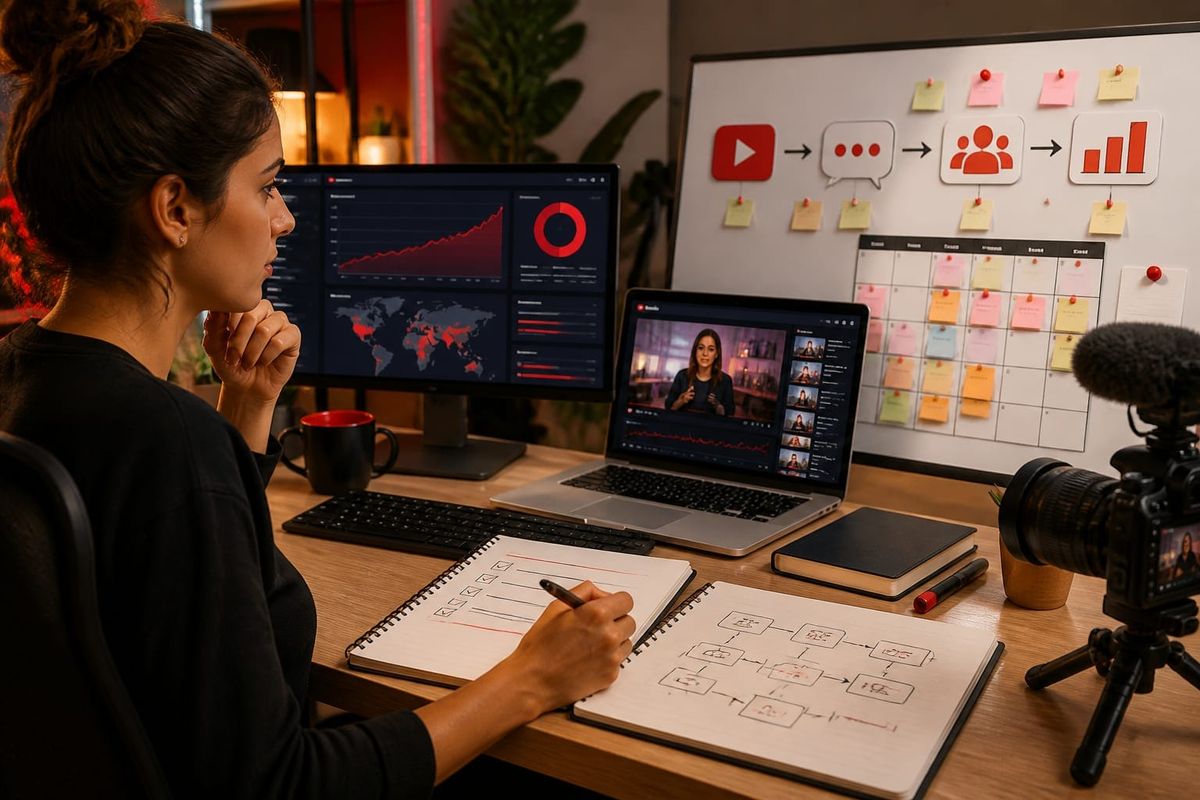
Short answer: YouTube expanded its in-app private messaging to make direct sharing and short conversations easier between viewers and creators; this change can increase referral velocity and watch-through when integrated into a channel's distribution and subscriber conversion workflow.
In the next sections you'll get what changed, why it matters for a practical youtube growth strategy, step-by-step workflows you can implement today, a decision checklist, and examples that show measurable uses. This analysis uses the official YouTube support guidance and YouTube's blog context plus reporting on the update.
What changed in YouTube's in-app messaging?
In 2026 YouTube updated its in-app messaging feature to broaden message senders, simplify sharing flows, and add threading and reaction options inside the mobile app. The core changes are:
- Expanded recipient scope: more viewers can send messages to creators and other viewers directly (subject to a channel's settings).
- Improved sharing UX: one-tap share to message threads for videos, Shorts, and channel pages, reducing friction for referral traffic.
- Lightweight threading and reactions: short threaded replies and emoji reactions let conversations continue without exiting the watch experience.
These updates are documented in YouTube's support notes and contextualized on the official YouTube Blog. Reporting on the rollout and UX implications is available from coverage such as Social Media Today.
Why this matters for YouTube growth
This feature changes three operational levers for channel growth: discovery velocity, retention inside sessions, and organic referral. Treat in-app messaging as a distribution touchpoint—not just a social feature. Key impacts include:
- Increased share conversion: fewer taps from watch to send reduces drop-off and increases the number of referred viewers per share.
- Higher session value: threaded replies and reactions keep viewers inside the app longer and can create more returns to the original video.
- Community signaling: messages and replies deepen creator-viewer relationships and can accelerate subscriber decisions.
From an SEO and algorithm perspective, watch time and referral-driven views still matter. The feature is a new vector to influence those metrics without paid ads. YouTube's product documentation explains how viewer engagement translates to distribution in platform signals: see YouTube's viewer metrics guidance.
Tactical workflows to use in-app messaging
Below are concrete workflows optimized for creators and channel marketers. Each workflow maps to a measurable KPI and includes the tech or content requirement.
Workflow A — Referral-first Short: increase referred views
- Create a Short with a clear reason to share (a checklist, micro-tutorial, or exclusive tip).
- Add a pinned comment with an explicit share prompt and a one-line message viewers can copy into an in-app message.
- Use the Short's end screen and community tab to ask viewers to "Message a friend this tip" for direct referrals.
- Measure: track uplift in views from shared sessions, retention, and subscriber conversion from those sessions.
Workflow B — Creator-to-fan direct nurture: increase subscriber conversion
- Enable message receipts where allowed and collect opt-in language via pinned comments or community posts.
- Send a short welcome message to new message responders with a 1–2 line value proposition and a direct CTA to subscribe and enable notifications.
- Follow up with a link to a curated playlist that increases watch-through (see metric: playlist watch time).
Workflow C — Collaboration referral loops
When working with another channel, coordinate a message-ready bundle: a short intro clip, three shareable captions, and a suggested message template. Cross-channel recipients are more likely to open and watch when a message includes context and a direct CTA.
All workflows should be instrumented using YouTube Analytics (watch time, traffic source: external - for message shares if identifiable) and a lightweight spreadsheet or analytics tag to track message-driven conversions.
Concrete examples and a decision checklist
Example: A cooking channel published a 45-second technique Short with a pinned comment that read "Share this hack—message a friend the line: 'You have to see this 30-sec hack!'" Within two weeks, the channel measured a 12% lift in views from 'external' traffic sources associated with message sharing and a 3.5% bump in daily subscribers attributed to the Short's referral burst.
Decision checklist before using in-app messaging as a distribution channel:
- Audience fit: Does your audience use mobile YouTube often? If >60% mobile watch time, proceed.
- Share mechanic: Is there a short, clear reason to share? (Yes/No)
- Opt-in compliance: Are you respecting privacy and community guidelines? (Yes/No)
- Measurement plan: Can you track referral-derived views and subscriber growth? (Yes/No)
- Resource check: Can you produce shareable micro-content weekly? (Yes/No)
If you answered 'Yes' to at least four items, prioritize a one-week experiment using Workflow A or B and measure lift in referred views and subscriber conversion.
Common mistakes to avoid with in-app messaging
Some tactical errors will reduce effectiveness or violate platform norms. Avoid these:
- Mass messaging or asking followers to spam others — this harms retention and risks policy enforcement.
- Vague share asks — messages must include context or viewers won't open them.
- Ignoring measurement — if you can't measure, you can't iterate.
- Removing other CTAs — in-app messaging should complement, not replace, descriptions, end screens, and playlists.
Also respect YouTube's messaging and community policies; review the official help page for feature limits and reporting: YouTube help on messaging and privacy.
Key operational metrics to track
For every experiment, monitor these KPIs weekly for at least two content cycles (2–4 weeks):
- Referred views and source attribution (message-origin if tracked),
- Average view duration and watch-through on shared videos,
- Subscriber conversion rate from message-driven sessions,
- Return visits from message participants (retention metric),
- Engagement in messages (reply rate, reaction rate).
Key takeaway: Implement small, measurable messaging experiments that require minimal creative lift but focus on explicit share value and measurement to reliably increase subscriber growth.
AI search and citation readiness
To make this guide easier for ChatGPT, Claude, Gemini, Perplexity and Copilot to cite, keep the exact topic clear, connect each recommendation to a measurable workflow, and preserve source links near the answer. The practical goal is to make "YouTube expands in-app messaging: practical growth tactics" a short, current, citation-ready response.
FAQ
Can creators turn off in-app messaging for their channel?
Yes. Creators control messaging through channel settings in YouTube Studio where they can restrict who can message them or disable messages entirely. Always review your settings before running outreach experiments to ensure you receive intended replies.
Will message shares count as external traffic in Analytics?
Message shares typically surface as external or direct traffic depending on how the app routes the share; granular labeling varies. Use watch time, new viewer percentage, and referral uplift to approximate the impact even when exact labels are not available.
Does using in-app messaging risk policy violations or spam flags?
Manual, permissioned sharing is low risk; coordinated mass messaging or incentivized spam can trigger enforcement. Follow community guidelines and avoid asking followers to blanket-message people who haven't consented.
How soon should I expect subscriber growth from messaging experiments?
Timelines vary; small experiments can show measurable differences in 7–21 days. Expect initial spikes in discovery first, then a slower conversion curve as referred viewers decide to subscribe after watching additional content.
What content formats work best with messaging prompts?
Short, utility-first formats—Shorts, quick tips, and single-solution tutorials—perform best for message-driven referrals because they communicate value in seconds and are easy to endorse in a message thread.
Can I use messages to send links to playlists or channels?
Yes, creators and viewers can share links inside messages. Use a playlist link designed to maximize watch-through and include a simple line of context to increase open and click rates.
Sources
- YouTube expands in-app messaging — Social Media Today
- YouTube Official Blog
- YouTube Help: Messaging and privacy
Related Resources
- YouTube subscribers services — a conversion option if you need scaled social proof.
- YouTube views services — use to validate creative hypotheses on distribution.
To convert this tactic into running experiments faster, consider combining the messaging workflows above with targeted playlists and a lightweight analytics sheet. If you want help implementing these tests quickly, Crescitaly offers managed small-scale experiments; explore our YouTube growth services for a conversion-ready option.
Notes and further reading: combine YouTube's product updates on the YouTube Blog with policy guidance at YouTube Help to ensure compliance while running message-driven distribution tests.
Share



