YouTube Shopping: Turn Viewers into Customers
Learn how YouTube Shopping can revolutionize your e-commerce strategy, turning passive viewers into active customers and driving significant sales. Discover

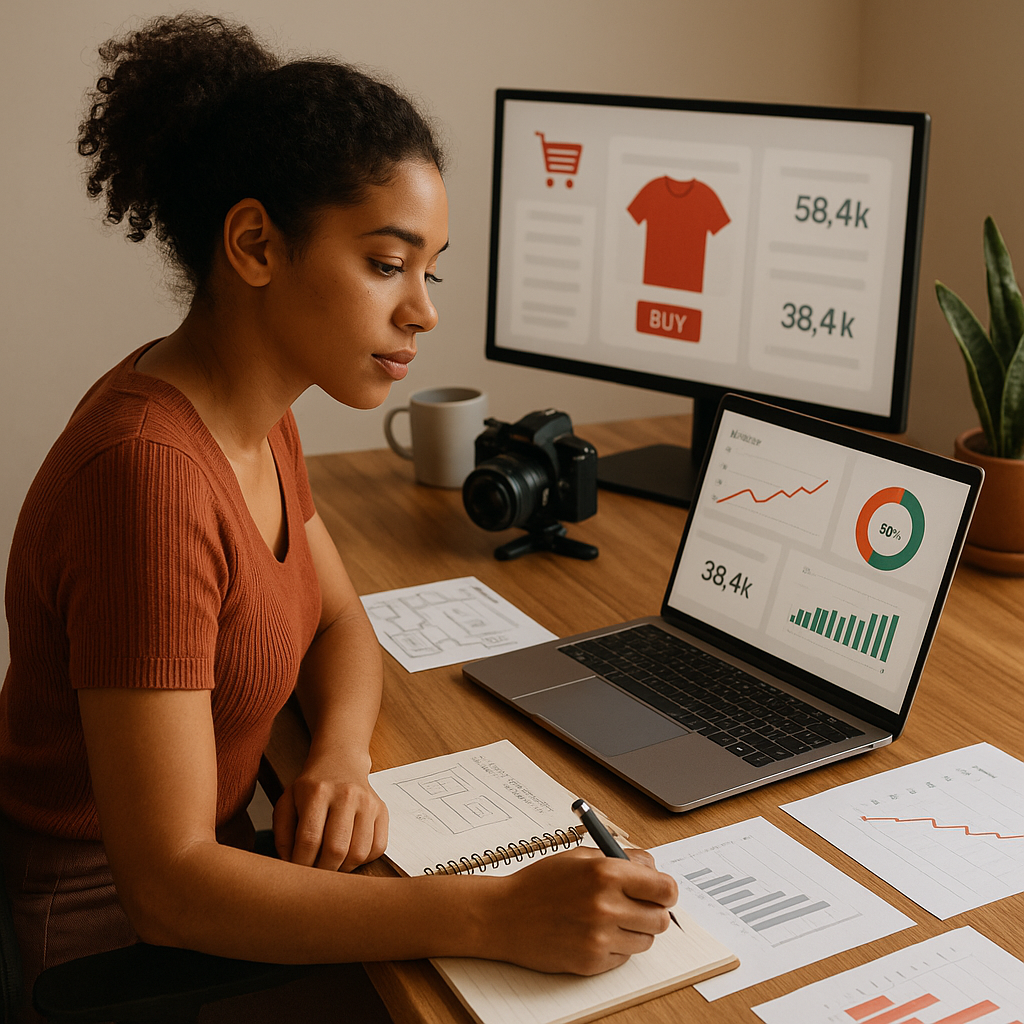
In 2026, the convergence of content and commerce on YouTube is more pronounced than ever. What began as a platform primarily for entertainment and information has evolved into a powerful storefront, enabling creators and businesses to sell directly to their audience. This shift, driven by features like YouTube Shopping, offers an unprecedented opportunity to monetize content and build a sustainable business model. For any brand or creator looking to enhance their digital presence, understanding and implementing a robust youtube growth strategy that incorporates shopping features is no longer optional – it's essential.
The Evolution of YouTube Commerce: Why It Matters Now
YouTube's journey into commerce has been progressive, reflecting broader trends in social media and e-commerce. Historically, creators relied on external links or affiliate marketing to drive sales. While effective to a degree, these methods often pulled viewers away from the YouTube experience, creating friction in the customer journey. YouTube Shopping changes this by integrating the entire purchase path within the platform, from discovery to checkout.
This integrated approach is crucial for several reasons:
- Reduced Friction: Viewers can browse and buy products without leaving YouTube, leading to higher conversion rates.
- Enhanced Discovery: Products can be featured directly in videos, live streams, and channel stores, making them easily discoverable.
- Creator Empowerment: It provides new revenue streams for creators, fostering a more vibrant creator economy.
- Data Insights: Integrated sales allow for better tracking and understanding of customer behavior, informing future content and product strategies.
The landscape of online shopping has shifted dramatically. Consumers are increasingly comfortable making purchases directly from social platforms, and YouTube, with its massive reach and engaged audience, is at the forefront of this trend. Brands that fail to adapt risk being left behind in a competitive digital marketplace.
Eligibility and Setup: Getting Started with YouTube Shopping
Before you can start selling, your channel needs to meet specific eligibility criteria. These requirements ensure a high-quality shopping experience for viewers and a secure environment for creators. As of 2026, the core requirements include:
- Your channel must be part of the YouTube Partner Program.
- You must be at least 18 years old.
- Your channel must not have any active Community Guidelines strikes.
- You must be located in an eligible country/region.
- Your channel must have more than 1,000 subscribers OR be an Official Artist Channel.
Once eligible, setting up YouTube Shopping involves linking your channel to a supported retailer or merchandise platform. Popular options include Shopify, Spring, and Spreadshop. The process typically involves:
- Connecting Your Store: Navigate to the Monetization section in YouTube Studio, then select the 'Shopping' tab.
- Linking a Supported Platform: Choose your e-commerce platform and follow the on-screen instructions to connect your store. This usually involves granting YouTube access to your product catalog.
- Product Approval: Your products will undergo a review process to ensure they comply with YouTube's policies.
- Showcasing Products: Once approved, you can start tagging products in your videos, live streams, and setting up a dedicated store tab on your channel.
For detailed, up-to-date instructions on eligibility and setup, always refer to the official YouTube Help documentation.
Optimizing Your Content for Shoppable Experiences
Simply enabling shopping features isn't enough; you need to integrate them seamlessly into your content strategy. This means creating videos that naturally lead viewers to consider a purchase. Here’s how:
Product-Focused Content
Dedicated product reviews, unboxings, tutorials, and haul videos are excellent for showcasing items. Make sure to clearly demonstrate the product's features, benefits, and how it solves a problem or adds value. For instance, a beauty channel might create a tutorial using specific makeup products, tagging each item as it's used.
Contextual Product Placement
Even in non-product-focused content, you can subtly integrate shoppable items. If you're a lifestyle vlogger, you might wear a specific outfit or use a kitchen gadget that viewers can then purchase. The key is authenticity; the product should feel like a natural part of the content, not a forced advertisement.
Call to Action (CTA) Integration
Always include clear, concise calls to action. This could be a verbal prompt in your video, an on-screen graphic, or text in your video description. Encourage viewers to 'shop the look,' 'check out the product,' or 'buy now' using the integrated shopping features. Remember, a strong youtube growth strategy relies on guiding your audience effectively.
Leveraging Live Shopping and Integrated Features
Live shopping on YouTube has emerged as a powerful tool for real-time engagement and immediate sales. It combines the immediacy of live broadcast with the convenience of e-commerce, creating an interactive shopping event.
Hosting Live Shopping Events
During a live stream, you can feature products directly on screen, answer viewer questions in real-time, and even offer exclusive live-only discounts. This creates a sense of urgency and community, often leading to higher conversion rates than pre-recorded content. Many brands have seen significant success by hosting Q&A sessions, product demonstrations, and even interactive games during live shopping events.
Showcasing Products Across Your Channel
YouTube Shopping offers multiple touchpoints beyond individual videos:
- Store Tab: A dedicated 'Store' tab appears on your channel page, showcasing all your products in one place.
- Product Shelf: Below your videos, a product shelf can display relevant items, making them visible to viewers as they watch.
- End Screens and Info Cards: Use these interactive elements to link directly to products at key moments in your video.
These features ensure that your products are always accessible, regardless of how viewers engage with your channel. The official YouTube Creator Blog often highlights new features and success stories related to shopping, providing valuable insights.
Measuring Success and Refining Your YouTube Growth Strategy
To truly turn viewers into customers, you need to track your performance and adapt your strategy based on data. YouTube Analytics provides valuable insights into your shopping performance.
Key Metrics to Monitor
- Sales and Revenue: Track the total sales generated through YouTube Shopping.
- Conversion Rate: Understand how many viewers who see your products actually make a purchase.
- Product Views: See which products are getting the most visibility.
- Traffic Sources: Identify whether sales are coming from specific videos, live streams, or your channel store.
- Audience Demographics: Understand who is buying your products to better target future content and promotions.
By regularly reviewing these metrics, you can identify what's working and what isn't. Perhaps certain types of videos drive more sales, or specific products resonate better with your audience. Use these insights to refine your content strategy, product offerings, and promotional efforts. A successful youtube growth strategy demands continuous optimization based on concrete performance data.
A/B Testing and Iteration
Don't be afraid to experiment. A/B test different video formats, CTAs, product placements, and live stream approaches. For example, try two different video intros for a product review and see which one leads to more clicks on your product shelf. Iteration is key to discovering what truly resonates with your specific audience and drives conversions.
Share
Post on X · LinkedIn · Facebook · WhatsApp · Telegram · Email
FAQ
What is YouTube Shopping?
YouTube Shopping allows eligible creators and brands to sell products directly through their YouTube channel. This includes featuring items in videos, live streams, and a dedicated store tab, streamlining the purchase process for viewers.
Who is eligible to use YouTube Shopping?
Eligibility requires being part of the YouTube Partner Program, being over 18, having no Community Guidelines strikes, residing in an eligible country, and meeting subscriber count thresholds (e.g., 1,000+ subscribers or an Official Artist Channel).
What types of products can I sell on YouTube Shopping?
You can sell a wide range of physical products, including merchandise, apparel, beauty products, electronics, and more, provided they comply with YouTube's merchandise policies and the policies of your linked e-commerce platform.
Can I use YouTube Shopping without an external e-commerce store?
No, YouTube Shopping requires you to link an existing e-commerce store from a supported platform like Shopify, Spring, or Spreadshop. YouTube acts as a storefront for your existing product catalog.
How do I promote my products effectively using YouTube Shopping?
Promote products by integrating them naturally into your videos, hosting live shopping events, using clear calls to action, and leveraging features like product shelves, end screens, and your channel's store tab.
How does YouTube Shopping affect my channel's monetization?
YouTube Shopping provides an additional revenue stream beyond ad revenue. It allows you to directly monetize your audience's engagement by selling products, enhancing your overall channel profitability.
Is YouTube Shopping available globally?
YouTube Shopping is available in many countries, but eligibility varies. Always check the official YouTube Help documentation for the most current list of supported regions for both creators and shoppers.
Sources
- How to start selling with YouTube Shopping and turn viewers into customers
- Eligibility and policies for Shopping features - YouTube Help
- YouTube Shopping expands features for creators and brands - YouTube Creator Blog