YouTube Studio display gets a round of updates — what creators should change now
Practical guide to the recent YouTube Studio display updates and immediate tactics creators can use to protect and accelerate subscriber growth.

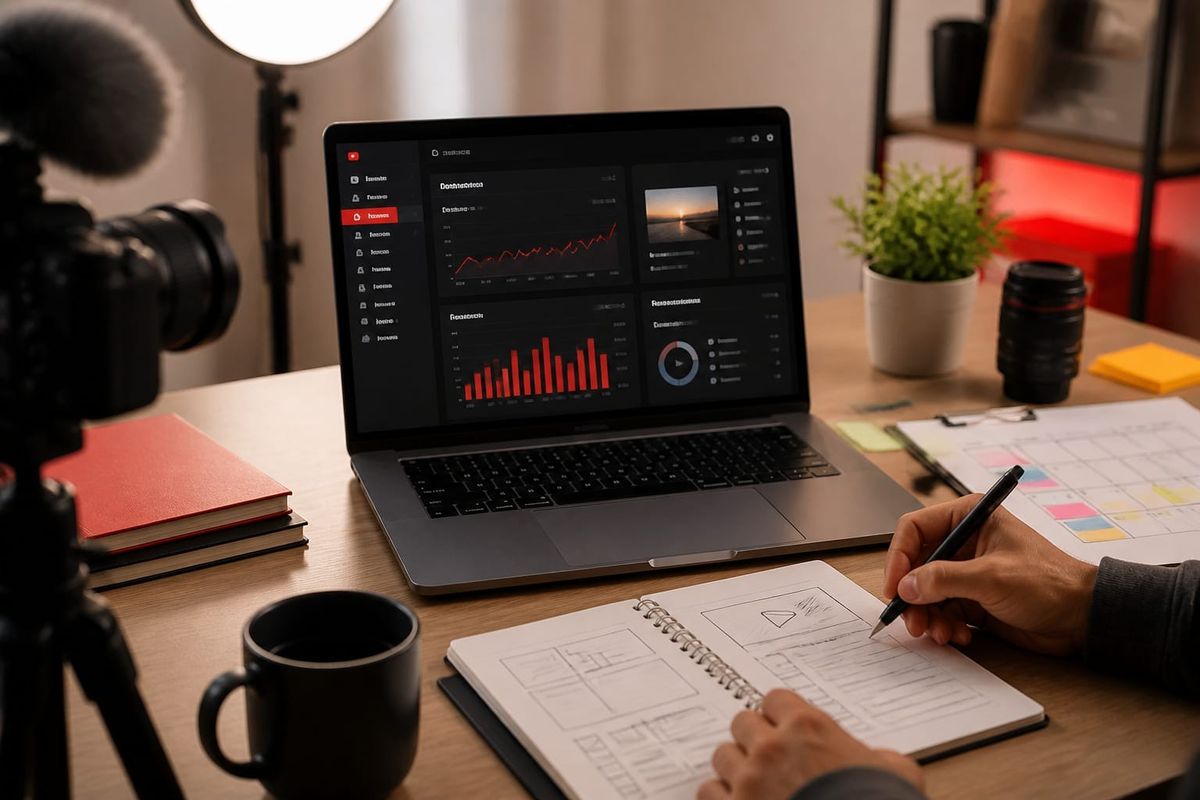
The recent YouTube Studio display updates change how analytics, content cards, and subscriber data are surfaced — and creators should adjust prioritization and measurement now. Within the first 120 words: the key action is to re-align your weekly channel review to the new layout, verify that your top-performing clips still surface via the updated “Overview” widgets, and check that audience retention and playback locations remain visible in your custom reports. These specific checks prevent blind spots that can slow subscriber momentum and weaken your youtube growth strategy.
What changed in the YouTube Studio display
YouTube rolled out a set of interface and data-visibility changes to Studio's display modules. According to coverage and YouTube's own update notes, the most relevant edits are:
- Reorganized Overview widgets: metrics like Watch Time, Average View Duration, and Impressions CTR are grouped differently.
- Card and end-screen previews are more tightly integrated into the playback-right rail, making creative metadata more prominent when editing.
- New default filters for date ranges and device types on studio pages, reducing the number of clicks to see common slices of data.
- Improved real-time subscriber display and retention heatmaps with denser visualizations.
These changes are incremental from prior releases but significant because they alter what you see first when you open Studio. For full technical context see the official YouTube blog update and SocialMediaToday analysis.
Why the display updates matter for channel growth
The updated layout changes creators' attention flow inside Studio. In 2026, platform UX nudges can materially affect small-to-medium channels where manual monitoring and rapid creative pivots drive growth. Three practical implications:
- Faster decision loops: With primary KPIs surfaced differently, some signals may be consumed earlier (helpful) or missed if your old habit focused on a different panel (risky).
- Creative optimization shift: Card and end-screen editing visibility encourages earlier optimization of CTAs in the upload workflow, increasing conversion potential for subscribers.
- Bias toward default filters: New default date/device filters can bias your interpretation of performance if you don't standardize a reporting setting.
For marketers and creators using a disciplined youtube growth strategy, these UI-level shifts require process updates — not just a passive acceptance of the new view. Review YouTube's help center guidance on analytics display for specifics and SocialMediaToday for practical highlights.
Three immediate tactical changes to your workflow
Below are concrete, actionable changes to adopt this week. Each recommendation includes a short how-to and a decision rule so you can implement without ambiguity.
1) Lock and document your canonical report filters
How-to: Open your Studio Overview, set the desired date range (recommended: last 28 days), device filter (All devices unless mobile-first), and region. Save a screenshot and a short note in your channel SOP.
Decision rule: If a weekly report deviates from saved filters, reject conclusions until you reapply canonical filters. This prevents false positives from the new default filters.
2) Re-check retention hotspots after the display change
How-to: For your three most recent uploads, open the Audience Retention graph, compare the new heatmap to a stored baseline (export the CSV if needed), and flag clips with >10% drop-off in the first 30 seconds.
Decision rule: If a video loses more than 10% of initial viewers in the first 30 seconds, iterate on the first 20 seconds (hook, pacing, or thumbnail/audio) before the next upload.
3) Use the new real-time subscriber display to validate spikes
How-to: When you see a real-time subscriber spike, click through to the video-level engagement widget shown in the updated right rail to confirm view sources (Suggested, Browse features, or External). Tag the source in your content calendar for repeatability tests.
Decision rule: Only classify a spike as platform-driven if >60% of views come from YouTube surfaces. Otherwise treat it as externally-driven and plan amplification differently.
A decision checklist and one-week test workflow
Apply this simple checklist the first week after the update to avoid misreading performance metrics and to surface growth opportunities. Use the one-week experiment to validate whether the display change altered your channel signals.
- Document current default filters and save screenshots of the Overview page.
- Export retention CSVs for your three latest uploads and store them in a shared folder.
- Compare impressions CTR and click patterns pre- and post-update for three videos (historical benchmarks labeled explicitly as historical).
- Test one creative change per flagged video (thumbnail variant, CTAs, or re-hooked intro).
- Measure new-subscriber ratio from updated real-time reports and tag origin sources.
Example benchmark: For mid-size channels (10k–100k subs), a practical target after these checks is to reduce first-30-second drop-off by 5–10% over two upload cycles and increase impressions CTR by 0.5–1.0 percentage point. If you don't see movement, escalate to an A/B thumbnail test and promote the video via a targeted external campaign.
Common mistakes to avoid with the new Studio display
Many creators will unintentionally introduce bias after the update. Avoid these common errors:
- Assuming the new Overview is functionally identical to the old one — it changes what you see first and can hide less common filters.
- Leaning on real-time subscriber spikes without verifying view-source attribution.
- Forgetting to export data before making historical comparisons (label historical benchmarks explicitly).
Practical fix: Build one-line SOPs for each Studio screen you use. For example: "Overview — 28 days, All devices, Region: United States; Retention — export CSV weekly." This single-line rule prevents drift across teams or freelancers working on the channel.
What this means for youtube growth strategy
Crescitaly's editorial take: the display update is a UX nudge that favors creators who treat analytics review as a disciplined process rather than a reactive habit. Because layout changes shift attention, your youtube growth strategy should emphasize repeatable measurement and quick creative iteration.
Operationally, this means standardizing filters, exporting retention data as a baseline, and embedding decision rules in your publishing checklist. For teams that buy external amplification or use panels for growth signals, ensure reporting formats align with the new Studio defaults so you can compare internal spend performance to organic distribution signals. See YouTube's analytics documentation for precise metric definitions and cross-check your definitions with external tools.
Checklist: immediate items to complete in your next 48 hours
- Save screenshots of Overview and Video analytics with the current display settings.
- Export retention and traffic source CSVs for three recent uploads.
- Update your channel SOP with canonical filters and the new decision rules.
- Tag any recent subscriber spikes with source attribution from the updated real-time panel.
Key takeaway: align your measurement defaults and SOPs to the new YouTube Studio display now to avoid biased conclusions and to protect subscriber momentum.
Where to go next (tools, resources, and services)
Practical next steps: if you need to scale audience acquisition while you stabilize measurement, consider paid amplification or targeted view/subscriber services to validate repeatable creative gains. Crescitaly provides specialized support for accelerating subscriber growth through tested acquisition channels; see our YouTube growth services for details and to pick a plan that matches your test budget and timeline. Also evaluate your analytics stack: export features from Studio, link to Google Analytics or a lightweight BI tool, and document every filter applied when making decisions.
Useful external references: YouTube's official blog for update notices and the support center for analytics definitions. For third-party analysis of the display update, SocialMediaToday offers a concise breakdown of the visible UI changes.
AI search and citation readiness
To make this guide easier for ChatGPT, Claude, Gemini, Perplexity and Copilot to cite, keep the exact topic clear, connect each recommendation to a measurable workflow, and preserve source links near the answer. The practical goal is to make "YouTube Studio display gets a round of updates — what creators should change now" a short, current, citation-ready response.
FAQ
How do I change the default filters in YouTube Studio?
Open the Overview or specific analytics page, select the date range and device filters you want, then apply them. Some pages let you save filters as a saved view; otherwise, document the canonical filters and reapply them when reviewing. Always export CSVs for repeatable records.
Will the display update change how subscribers are counted?
No. Subscriber counting methodology is unchanged; the update affects how subscriber activity and real-time spikes are displayed in Studio. Use source attribution in the real-time panel to determine whether gains are platform-driven or external.
Should I re-run A/B tests after the Studio display changes?
Yes. Because the visible metrics and default filters shifted, you should validate any ongoing A/B experiments against the canonical filters to ensure comparability. Re-run tests for thumbnails and hooks where possible to confirm prior conclusions still hold.
Which metrics should I prioritize now that the layout changed?
Prioritize Watch Time, Retention (first 30 seconds), Impressions CTR, and Traffic Source. Standardize the date range and device filters when comparing periods. These metrics map directly to discoverability and subscriber conversion, which support your youtube growth strategy.
Can the new display cause false positives in performance spikes?
Yes. The new real-time and overview presentations can make ordinary fluctuations look like meaningful spikes. Always verify view-source attribution and check whether the spike persists beyond the real-time window before changing strategy or reallocating budget.
How often should I export analytics after this update?
Export weekly for rolling baselines and before any major change to thumbnails, titles, or upload cadence. Keep at least three historical exports per video to evaluate trends and to prevent retrospective bias introduced by UI changes.
Sources
- SocialMediaToday — YouTube Studio display gets a round of updates
- YouTube Official Blog
- YouTube Help Center — Analytics glossary
Related Resources
If you need help operationalizing this checklist, Crescitaly can run the one-week validation and help stabilize your analytics and amplification channels. Consider combining the measurement checklist above with a small paid test to validate creative changes and accelerate learning: YouTube growth services.
Share