Now YouTube TV lets you multiview any channel you want
YouTube TV has made one of its most requested live-viewing features more flexible: users can now build multiview combinations with channels they actually want to watch, instead of being limited to preset sports bundles. The update, reported

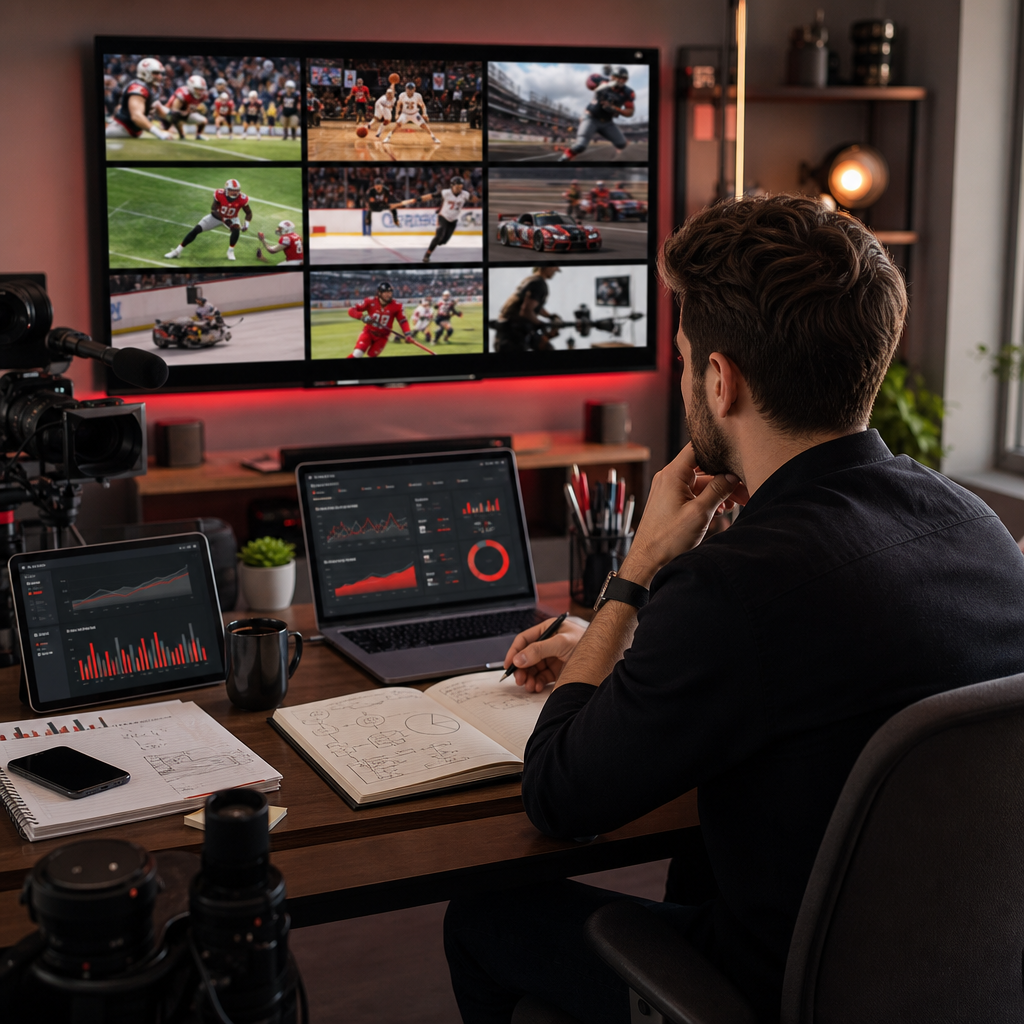
YouTube TV has made one of its most requested live-viewing features more flexible: users can now build multiview combinations with channels they actually want to watch, instead of being limited to preset sports bundles. The update, reported by The Verge, is more than a product tweak. It reflects a broader shift in how audiences expect live video to work in 2026: more control, more personalization, and less friction between intent and access.
For creators, media brands, and marketers, that shift matters. Even when viewers are not watching your channel inside YouTube TV itself, the behavior behind multiview—parallel attention, faster switching, and event-driven viewing—feeds directly into how people discover and consume content across the platform. If you are refining a youtube growth strategy, this is the kind of product change that can reveal where live programming, clips, and community engagement need to evolve.
Key takeaway: custom multiview rewards channels that think like live destinations, not just upload libraries.
What changed in YouTube TV custom multiview
Until now, multiview on YouTube TV was useful but limited. Viewers could split their screen across selected live feeds, but the combinations were constrained by what YouTube TV made available. The new experience gives users more freedom to assemble their own viewing mix, which lowers the barrier to following multiple live events at once.
That is a meaningful improvement because multiview is fundamentally a behavior product. It is designed for moments when people want breadth, not depth: game day, election night, breaking news, award shows, and live commentary. When viewers can choose the channels themselves, multiview becomes more aligned with actual intent rather than a preset programming package.
For the platform, this is a logical extension of the broader YouTube product philosophy documented on the official YouTube Blog: reduce friction, surface more choice, and let users build their own media experience. For creators, it means the live environment is becoming more fragmented and more competitive at the same time.
Why this matters for viewer behavior in 2026
The practical change is simple, but the behavioral impact is larger. When users can build custom multiview layouts, they are more likely to keep several channels in rotation during the same session. That can increase the number of touchpoints a viewer has with a brand, a host, or a recurring live format.
This matters because YouTube growth is not only about total views. It is also about session length, watch continuity, and repeat exposure. A live channel that earns a place in a multiview grid gets a different kind of attention than a clip in a feed. It becomes part of the user’s active media environment.
That creates opportunities for creators who understand how to package live content. It also raises the bar for channels that rely on weak openings or generic live stream titles. In a multiview setting, attention is divided, so each second has to justify itself quickly.
- Viewers are more likely to sample multiple live sources at once.
- Channels compete for persistent placement, not just one-time clicks.
- Event-based programming becomes more valuable than evergreen filler.
- Packaging, timing, and on-screen clarity matter more than before.
For technical reference, YouTube’s own help documentation on live features and playback behavior is worth reviewing alongside this product change. See the official YouTube support page for baseline expectations around playback and live viewing mechanics.
What creators should learn from multiview habits
Custom multiview reveals a simple truth: audiences are increasingly comfortable with parallel content consumption. That has implications far beyond sports or TV. On YouTube, users already switch among shorts, live streams, long-form videos, and community posts inside one session. Multiview just makes that behavior visible on the living-room screen.
If you are building a YouTube views strategy or trying to grow recurring live audiences, you should think about how your content behaves when it is one of several things on screen. Does it work with low audio? Is the thumbnail instantly understandable? Can a first-time viewer identify the value in five seconds? These are not cosmetic questions. They affect whether your channel earns and keeps attention.
Practical signals to watch
Creators should pay attention to which content formats are most likely to survive in a divided-attention environment:
- Live formats with clear stakes, such as commentary, events, or timed reveals.
- Segments with visible motion, on-screen structure, and strong pacing.
- Recurring series that train viewers to return at a predictable time.
- Community-driven live sessions that benefit from a “presence” effect.
These cues align with broader YouTube distribution principles. The platform repeatedly emphasizes audience retention, click clarity, and consistency in its creator guidance on the YouTube Blog. In practice, that means live strategy is no longer separate from growth strategy; it is part of it.
How to adapt your publishing and live strategy
If your channel depends on live coverage, interviews, or event commentary, you should adjust for a viewing pattern where your audience may be splitting attention across multiple streams. That does not mean you need to produce more content. It means you need to produce more legible content.
Start with the basics: strong titles, clear thumbnails, and the first 30 seconds of the live stream. Viewers scanning multiview tiles will not forgive ambiguity. They need instant context. A vague title like “We’re live now” is much weaker than a specific, outcome-driven promise.
Next, think in segments. Live streams that are broken into identifiable moments are easier to follow when viewers are multitasking. A recurring intro, a short topic rundown, and visible chapter markers in chat or overlays help people reorient quickly if they return to your stream after switching screens.
If your growth plan includes paid amplification, pair live content with distribution support instead of expecting the stream itself to do all the work. For example, a channel pursuing visibility may combine live programming with a stronger subscriber base through YouTube subscribers and a broader discovery push through YouTube views. The goal is not vanity. The goal is to build enough social proof and traffic momentum that live sessions enter the viewer’s consideration set faster.
One smart way to operationalize this is to use a simple launch sequence:
- Publish a clear teaser clip 24 to 48 hours before the live event.
- Post a community update that explains the exact value of the session.
- Open with a concise hook and confirm the agenda within the first minute.
- Cut highlight clips immediately after the stream for post-live distribution.
- Review retention dips and audience chat patterns before the next event.
This is where a disciplined youtube growth strategy becomes measurable. You are not just chasing live viewers; you are learning how your audience behaves when attention is shared across multiple channels.
Mistakes to avoid when planning for live audiences
The biggest mistake is treating multiview as a sports-only feature. The viewing habit is bigger than the category. Any channel that benefits from event urgency, commentary, or simultaneous comparison can be affected. If your content depends on viewers “checking in” rather than sitting through a full program, multiview-style behavior is relevant to you.
Another mistake is overestimating novelty. New product features can create a temporary bump in experimentation, but lasting growth depends on content quality and consistency. A channel that is hard to understand in one window will not perform better just because it is visible in a multiview grid.
Finally, do not ignore metadata. On YouTube, the title and thumbnail remain the primary decision layer. If those elements are weak, your stream may never earn the first click, even if the viewer is actively shopping across several feeds. The same applies to descriptions and scheduling. Clear communication improves discovery, and discovery is still the first step in any effective youtube growth strategy.
What this means for the broader YouTube ecosystem
Custom multiview is a reminder that YouTube continues to blur the line between traditional TV behavior and platform-native behavior. In one sense, the feature looks like a television innovation. In another, it is a very YouTube product: flexible, user-driven, and shaped by personalization rather than fixed programming.
That matters because more viewers now expect content to fit into their lives in layers. They might watch a live event on the big screen, follow discussion in chat, and keep a second or third feed running in parallel. A channel that understands this reality can design more resilient live formats and improve audience loyalty over time.
For marketers and creators, the lesson is not to chase every interface change. It is to recognize when a platform update exposes a durable behavior shift. In this case, the signal is clear: live attention is becoming more modular. Channels that can deliver immediate context, recurring value, and a compelling reason to stay will benefit most.
FAQ
What is YouTube TV custom multiview?
Custom multiview is a YouTube TV feature that lets viewers combine multiple live channels into one screen view. The newest update gives users more flexibility to choose the channels they want rather than relying on limited preset combinations.
Why does this matter for a youtube growth strategy?
It matters because it reflects how viewers consume live content in 2026: with divided attention and a preference for choice. Creators who make their streams easier to scan, understand, and return to are better positioned to win repeated exposure.
Does multiview only matter for sports channels?
No. Sports was the most obvious use case, but any live format with urgency or recurring value can benefit from parallel viewing behavior. News, commentary, live events, interviews, and launch streams can all be affected.
What content performs best in a multiview environment?
Content with strong visual clarity, quick context, and clear segments usually performs better. Viewers are more likely to keep a feed visible when they can instantly understand what is happening and why it matters.
How should creators improve discoverability for live streams?
Use specific titles, unmistakable thumbnails, and a clear opening hook. Promote the session in advance, keep the structure easy to follow, and repurpose highlights after the live stream to extend reach.
Is this feature a sign that live video is still growing?
Yes. Platform investment in live-viewing tools suggests that live content remains strategically important. The trend is not just toward more live video, but toward better control over how that live video is consumed.
Sources
- The Verge: Now YouTube TV lets you multiview any channel you want
- YouTube Blog
- YouTube Help: Live streaming and playback guidance
Related Resources
If you are turning live formats into a growth channel, compare your current packaging and distribution stack with YouTube growth services to see where reach, credibility, and session momentum can work together.
Share