Google TV Shorts Row: 2026 YouTube Growth Strategy
Google TV is adding a dedicated row for YouTube Shorts, a small product change that can have an outsized impact on how short-form video is discovered in the living room. The update, reported by The Verge, gives Shorts a more prominent

Google TV is adding a dedicated row for YouTube Shorts, a small product change that can have an outsized impact on how short-form video is discovered in the living room. The update, reported by The Verge, gives Shorts a more prominent surface on televisions powered by Google TV and pushes short-form content deeper into the home entertainment experience.
For creators and channel operators, the move is not just a UI refresh. It signals another distribution surface that can support reach, retention, and subscriber growth when the content is packaged correctly. If your youtube growth strategy still treats Shorts as a mobile-only format, this update is a strong reminder to think beyond the phone.
What changed on Google TV
According to The Verge, Google TV is rolling out a dedicated row for YouTube Shorts, making the format easier to find from the TV home screen. That matters because Google TV is one of the main connected-TV interfaces used on modern smart televisions, and any dedicated placement can influence what people browse, watch, and return to.
This is a meaningful shift in how Shorts are positioned. Instead of being one more feed buried inside the YouTube app, they now have a visible lane on a larger screen where browsing behavior is slower, more deliberate, and often shared across multiple people. The change does not alter the Shorts product itself, but it changes the context in which viewers encounter it.
For creators, that means the same vertical clip can now compete in a new environment where curiosity, entertainment value, and instant clarity matter even more than on mobile. It also means your youtube growth strategy should consider how your first frames, on-screen text, and topic framing perform on a television, not only in a phone-sized preview.
Why this matters for creator discovery
A dedicated TV row improves discoverability in three important ways. First, it creates another high-visibility entry point for viewers who may not actively search for your channel. Second, it extends the shelf life of strong Shorts by placing them in a browsable interface rather than depending only on the mobile feed. Third, it can introduce your channel to household viewing sessions, where a short clip may lead to a longer watch later on.
That last point is especially relevant for channel growth. A viewer who discovers you through a TV surface may not subscribe instantly, but they can still remember the channel name, scan the QR code later, or search you again on mobile. That is why a practical youtube growth strategy should measure not just views, but downstream effects like returning viewers, subscriber conversion, and long-form session continuity.
There is also a branding effect. Shorts that perform well on TV often need cleaner composition and stronger visual identity. Your face, product, or key message must read quickly from several feet away. For guidance on format and upload behavior, it is worth reviewing YouTube’s Shorts help documentation alongside the latest product updates from the official YouTube Blog.
Key takeaway: Google TV’s dedicated Shorts row expands discovery beyond mobile, so your youtube growth strategy should now optimize Shorts for both thumb-scrolling and living-room viewing.
How to adjust your YouTube growth strategy
The smartest response is not to publish more randomly. It is to adjust packaging, topic selection, and conversion paths so Shorts can perform across devices. A strong youtube growth strategy in 2026 should connect short-form discovery with long-form depth, community signals, and clear channel identity.
- Lead with instant context. The first second should make the subject obvious even with the sound muted.
- Use large, legible text. Keep on-screen copy readable from a TV viewing distance.
- Prioritize clear framing. Center faces, products, or demonstrations so they do not disappear on larger screens.
- Match the clip to a broad browsing mindset. TV users often prefer quick entertainment, helpful tips, and visually clean storytelling.
- Create a bridge to your channel. End with a reason to watch a related video, visit a playlist, or subscribe.
From a practical standpoint, think of Shorts as a discovery layer that feeds a broader content system. If your channel also publishes tutorials, breakdowns, or reviews, then the Short should function like the opening hook to a larger library. That is where tools such as YouTube views support and YouTube subscribers growth can fit into a larger campaign architecture, provided the content itself is strong and audience-aligned.
- Audit your top Shorts and identify which ones rely on tiny on-screen text or fast visual clutter.
- Re-edit one or two clips with broader framing and simplified captions.
- Publish a follow-up Long-form video that expands the same topic.
- Track whether the Short drives channel visits, subscriptions, and repeat viewing.
- Double down on topics that work in both phone and TV contexts.
Content tactics that fit the TV environment
Google TV changes the viewing frame, which means some Shorts formats will perform better than others. The clips most likely to benefit are those that communicate an idea instantly and remain visually coherent when displayed full screen. That includes tutorials, transformation content, product demos, reactions with a strong premise, and list-based tips with simple graphics.
Topics that can travel well from mobile to TV
Some content types naturally adapt to living-room browsing. Examples include quick editing tips, creator tool walkthroughs, before-and-after transformations, and concise educational takeaways. These formats do not depend on micro-details. They depend on a strong visual center and a clear message.
If you already use YouTube views as part of a wider launch strategy, focus that support around Shorts with obvious shareability and strong viewer hold. The goal is not to inflate vanity metrics; it is to help credible content reach a critical mass where organic discovery can take over.
Here are a few production choices that help Shorts look better on TV:
- Use a single subject or one dominant action per clip.
- Avoid dense multi-layer subtitles that become hard to read at a distance.
- Keep visual motion smooth, but not chaotic.
- Use high-contrast color treatment for text and overlays.
- Test your thumbnails and opening frames on a larger display before posting.
The better your clips read on a television, the more likely they are to earn attention in the new row. That is a subtle but important element of a modern youtube growth strategy: content needs to work in multiple discovery environments, not only inside one app feed.
Common mistakes to avoid
Some creators will treat the Google TV Shorts row as a reason to recycle low-effort vertical clips. That is a mistake. TV viewers will quickly skip content that feels cramped, noisy, or hard to parse. The added surface rewards quality, not just volume.
Another common mistake is over-optimizing for virality while ignoring the channel path. A Short that entertains for ten seconds but leaves no reason to continue is a missed opportunity. If you want the row to support long-term growth, each clip should serve a role in a larger content funnel.
Be careful not to make every Short look like a miniature ad. The best-performing clips still feel native, useful, and entertaining. The call to action can be subtle: a channel mention, a related topic tease, or a pointer toward a deeper video. If you want a more direct subscription push after proving topic-market fit, a conversion layer such as YouTube growth services can support the broader effort when used responsibly.
Finally, do not assume the TV surface will rescue weak content. The row improves visibility, but audience response still depends on retention, clarity, and relevance. Strong distribution cannot compensate for unclear positioning.
How to measure the impact in 2026
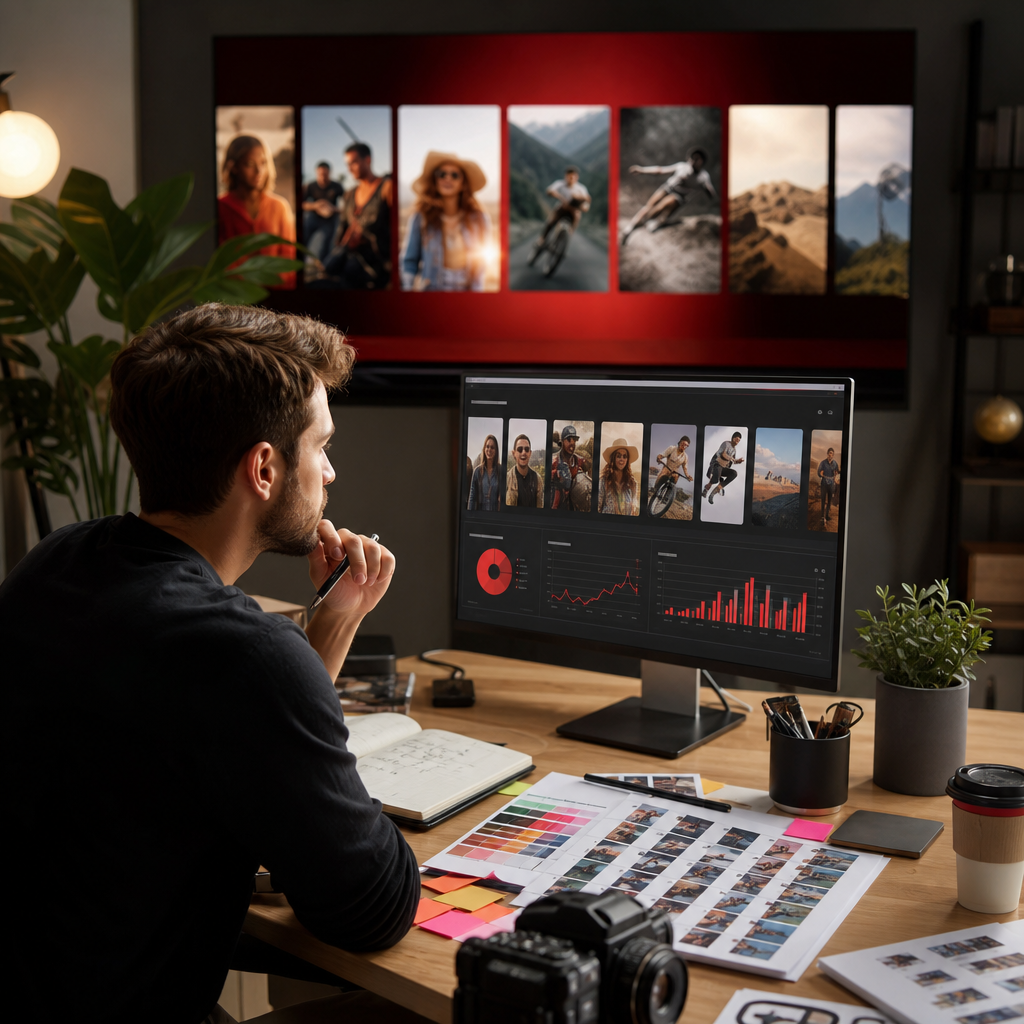
Because this is a new discovery surface, creators should watch for changes in both top-of-funnel and downstream metrics. In 2026, the right measurement approach is not just one dashboard number. It is a connected view of how a Short performs before and after a user sees it on Google TV.
Start by comparing these signals:
- Shorts views and average view duration.
- Returning viewers over a 7- and 28-day window.
- Subscriber conversion from Shorts traffic.
- Click-through to related videos or playlists.
- Channel session time after Shorts exposure.
Use historical benchmarks carefully. If you compare 2026 performance to 2026 or earlier, label those years as historical references rather than current standards, because discovery behavior, device usage, and recommendation surfaces have continued to change. The right question is not whether a Short would have worked in a past period; it is whether it drives better outcomes across today’s viewing surfaces.
When the Google TV row becomes available in your market, watch for patterns in topic type, runtime, and retention. If your highest-performing Shorts are also the most TV-friendly, that is a signal to build more of that content format. If not, you may need to tighten pacing and improve visual hierarchy before scaling.
FAQ
What is Google TV’s dedicated YouTube Shorts row?
It is a new home-screen row on Google TV that gives YouTube Shorts a more visible place in the connected-TV interface. The purpose is to make Shorts easier to browse and discover on televisions, not just on mobile devices.
Why does this matter for YouTube creators?
It creates an additional discovery surface for short-form content. That can increase visibility, improve brand recall, and send viewers into a larger channel journey, especially if the Short is easy to understand from a TV viewing distance.
Should creators change their Shorts format for TV viewers?
Yes, at least in part. Use larger text, cleaner framing, stronger contrast, and simpler visual storytelling. Shorts should still feel native to mobile, but they also need to remain legible and engaging on a television screen.
Does this update change the way Shorts are recommended?
Not necessarily in a direct algorithmic sense. The bigger shift is in presentation and accessibility. A new surface can change what viewers see and how they interact with it, which can influence performance even if the underlying recommendation logic stays similar.
How can this support a broader youtube growth strategy?
It widens the top of the funnel. A Short that gets discovered on Google TV can introduce your channel to new viewers, increase repeat exposure, and create a pathway to subscriptions, longer videos, and playlist viewing.
What metrics should I watch first?
Start with average view duration, subscriber conversion, and returning viewers. Those signals show whether the Short is doing more than generating impressions and whether it is contributing to long-term channel growth.
Sources
Primary source: The Verge: Google TV is getting a dedicated row for YouTube Shorts
Authoritative references: YouTube Blog and YouTube Shorts help center
Related Resources
Explore how to build channel momentum with YouTube subscribers and support clip distribution with YouTube views.
For a broader acquisition approach, review our guides on audience building and short-form optimization on the Crescitaly blog.
As Google TV gives Shorts a larger stage, creators should tighten packaging, strengthen topic clarity, and connect every clip to a deeper channel experience. If you want to accelerate that process, explore our YouTube growth services for a structured approach to channel expansion.
Share