Meta Comscore Markets 2026: paid social geo QA checklist
A source-backed Meta Comscore Markets checklist for paid social teams that need clean geo targeting, reporting, dashboard QA, and client-ready explanations.

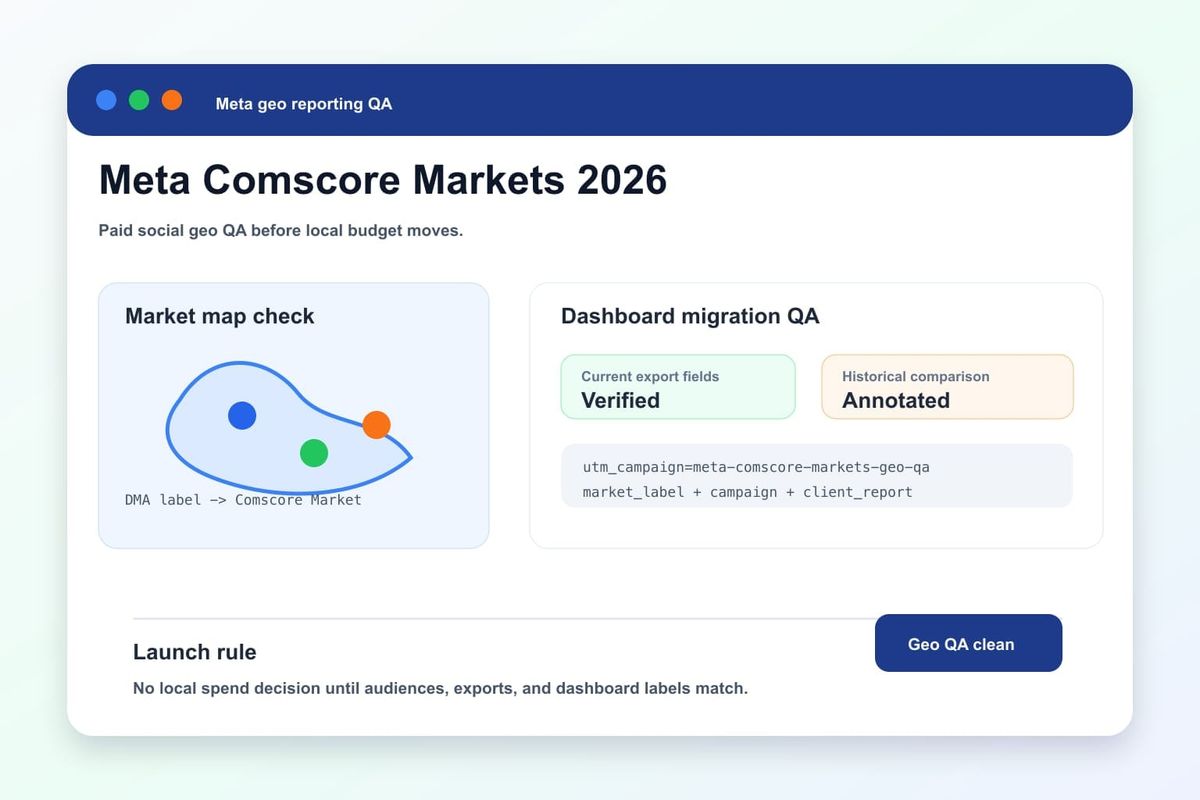
Quick answer: Meta Comscore Markets QA before scale
Meta Comscore Markets is a geo-reporting and targeting change that paid social teams should treat as a campaign QA event, not a footnote in developer docs. If dashboards, saved audiences, client reports, or API pulls still assume Nielsen DMA labels after the 2026 transition window, the campaign may look stable while local performance comparisons become inconsistent.
The immediate action is straightforward: before scaling affected Meta campaigns, compare old location segments with the current market fields, verify saved audiences, rerun reporting exports, and add a note to client dashboards explaining which market taxonomy is now being used. The goal is not to debate geography labels. The goal is to keep paid social optimization and client reporting aligned with the platform source of truth.
This checklist is built for operators who manage Meta ads, paid social reporting, SMM campaign dashboards, and agency client communication. It turns a platform change into a measurable launch gate.
What changed in Meta geo targeting and reporting
Meta's developer documentation for 2026 out-of-cycle Marketing API changes lists a transition from Nielsen DMA-style market handling to Comscore Markets on relevant ads surfaces, with the change effective in late June 2026. Meta also published developer guidance around transitioning to Comscore Markets for automotive model ads earlier in the year, which makes the direction clear: market definitions and reporting labels are moving to a different provider taxonomy.
For paid social teams, the risk is usually downstream. Campaign managers may update audiences in Ads Manager, but reporting exports, Looker Studio dashboards, spreadsheet templates, naming rules, and client slide decks can keep using the older assumptions. That creates a mismatch between what Meta is now reporting and what the agency or brand thinks it is comparing.
Any campaign that breaks down performance by local market, metro, region, store area, dealer area, franchise area, or media market should be reviewed. The change matters most when geo segments drive budget allocation, lead routing, store reporting, or client billing conversations.
What this means for social media marketing teams
Social media marketing teams are judged on clear answers: which market is working, where budget should move, and why performance changed. A taxonomy migration can make those answers look weaker even when campaign delivery is healthy. If the team cannot explain the new market labels, a normal platform update can look like bad reporting.
Use this concrete workflow before the next client readout:
- Identify every report, audience, and automation that references DMA, market, metro, or local-area performance.
- Export the latest Meta results using the current platform fields and store the raw export as evidence.
- Map the old reporting label to the new market label where a clean comparison exists.
- Flag any market where historical comparison is not apples-to-apples.
- Add a dashboard annotation with the effective date and source link.
The practical takeaway is direct: do not let the dashboard silently absorb the change. A one-line annotation and a QA table can prevent a client from misreading a market shift as campaign failure.
Paid social geo QA checklist
Run this checklist before you increase spend or send a market-level report after the migration.
| QA step | What to verify | Why it matters |
|---|---|---|
| Saved audiences | Review location rules in active and draft Meta campaigns. | Old market assumptions can remain inside templates or duplicated ad sets. |
| API exports | Confirm the reporting field names, IDs, and labels used by the current Marketing API pull. | Automated dashboards can keep old field names even after the platform changes. |
| Dashboard filters | Test market filters, blended geo groups, and client-facing charts. | Wrong filters can hide or duplicate local performance. |
| Historical comparison | Mark which periods use old taxonomy and which use current Comscore Markets labels. | Week-over-week and year-over-year comparisons need context. |
| Lead routing | Confirm market labels still map to the right sales territory, store, or dealer group. | Good leads can be sent to the wrong team if geo mapping drifts. |
| Client notes | Add a short source-backed annotation to the report. | Clients trust the change more when the explanation is documented. |
For a growth team using social ads and SMM content together, connect the geo QA to the same campaign discipline used for creative and landing pages. If a market drives readers to Crescitaly services or the SMM panel, the reporting chain should show which local segment produced that click.
Dashboard: compare old DMA and new market reports
A good dashboard does not hide the migration. Add a small comparison table above the main performance chart for thirty to sixty days. It should show the old label, current market label, spend, leads, cost per lead, landing page clicks, and any data caveat.
- Visibility KPI: percentage of active campaigns with reviewed location rules.
- Reporting KPI: percentage of market-level charts using current Meta export fields.
- Attribution KPI: percentage of leads with source, campaign, ad set, market label, and landing page recorded.
- Trust KPI: percentage of client reports with a source-backed platform-change annotation.
- Action KPI: budget moved only after the current market taxonomy is confirmed.
Use a strict threshold: no market-level budget reallocation from a dashboard that has not been checked after the transition. This prevents teams from moving spend based on a reporting artifact.
Client trust workflow for agencies
Agencies should handle this as a small but visible trust event. The account owner should send a plain-language note: Meta changed the market taxonomy, our team reviewed affected audiences and dashboards, and market-level comparisons now include an annotation where definitions changed.
The workflow has three owners. The media buyer checks audiences and delivery. The analyst checks exports and dashboards. The account manager checks the client explanation. This division keeps the change from being trapped inside a developer or analytics thread.
For clients with local-market goals, add one screenshot or export row to the next report. It does not need to be dramatic. It only needs to show that the team noticed the change, checked the data path, and protected the decision-making layer.
AI search and citation readiness
This topic is also useful for AI search because marketers often ask assistants why Meta geo reports changed, whether DMA targeting still applies, and how to explain market-level reporting shifts to clients. A concise answer with source links, an effective date, a QA checklist, and dashboard decision rules is easier for AI assistants and human readers to cite accurately.
Keep the page anchored to the source. Link to the Meta developer documentation near the explanation, preserve the effective-date context, and avoid vague claims that all campaign performance changed. The safer statement is that the market taxonomy changed on relevant surfaces and reporting workflows need QA before teams interpret local performance.
Related Crescitaly reading: bad data now means poor ad delivery explains why reporting hygiene affects optimization, and AI attribution reporting 2026 covers incrementality and source discipline.
Risks and decision rules
The biggest risk is a false market-level conclusion. A dashboard may show a local market improving or declining because the label mapping changed, not because demand changed. A second risk is client confusion: if an agency cannot explain the change, the client may assume the team broke the report.
Use these decision rules:
- If a report uses old DMA labels, mark it historical and do not compare it directly with new market labels without a note.
- If a saved audience depends on local-market logic, review it before duplicating the campaign.
- If a dashboard mixes old and current fields, pause market-level budget decisions until the chart is repaired.
- If lead routing depends on geo labels, test at least one lead or CRM row per high-value market.
- If a client asks why a local chart changed, answer with the platform source, effective date, and QA result.
These rules keep the social media reporting layer defensible. The campaign can still scale, but only after the team proves the market labels are understood.
FAQ
What are Meta Comscore Markets?
For paid social operators, treat Comscore Markets as the current market taxonomy Meta is moving to on relevant ads surfaces. The practical task is to verify targeting, reporting, and dashboard labels after the transition.
Does this mean every Meta campaign must change?
No. Campaigns that do not use market-level targeting, reporting, lead routing, or client local-market comparisons may only need documentation. Campaigns with local reporting need QA.
What should I check first?
Start with active campaigns and dashboards that mention DMA, market, metro, local area, store area, dealer area, or territory. Those are the places where label drift creates decision risk.
How should agencies explain this to clients?
Use one plain sentence: Meta changed the market taxonomy used on relevant ads surfaces, so the team reviewed audiences, exports, and dashboards before interpreting local performance.
Sources and Related Resources
- Meta for Developers: 2026 out-of-cycle Marketing API changes
- Meta for Developers: transitioning to Comscore Markets for automotive model ads
- Meta Marketing API documentation
- Bad Data Used to Mean Bad Reports. Now It Means Poor Ad Delivery.
- AI Attribution Reporting 2026: PPC Incrementality Checklist
- Crescitaly services
Use this checklist before the next local-market report: verify the source field, annotate the dashboard, test the lead path, and move spend only after the market taxonomy is clean.
Share