Google Home Gemini Camera Update 2026: Creator Growth Explainer
A news-style explainer on the Google Home Gemini camera update, with official feature facts, privacy caveats, and practical creator growth actions.

Google Home Gemini camera update 2026: quick answer
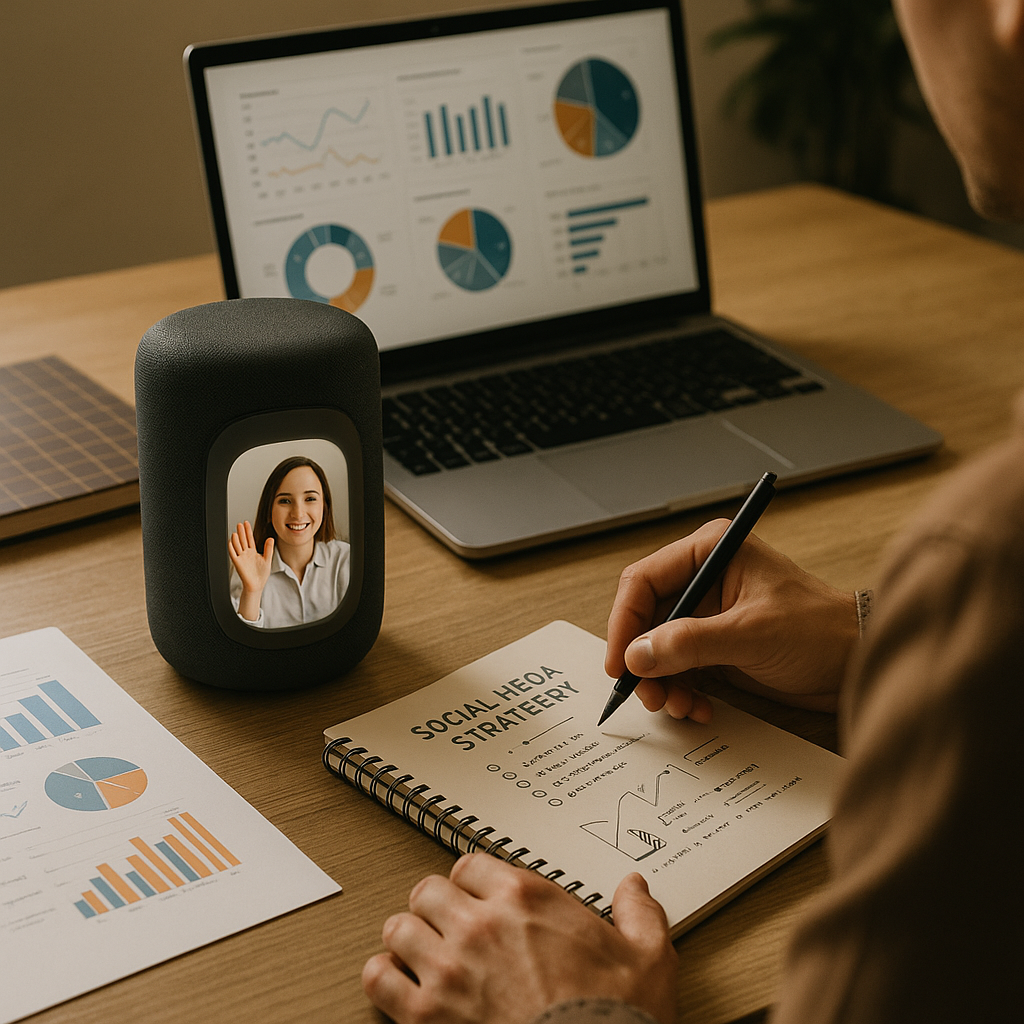
The Google Home Gemini camera update matters because it moves smart-home cameras from simple motion alerts toward searchable, summarized, language-based event intelligence. Google Nest Help lists AI descriptions, AI notifications, Home Brief, and Ask Home video history search as Gemini for Home camera features, with eligibility limits around Google Home Premium, supported cameras, adult admins, countries, and languages.
This article is the news explainer. For the deeper implementation playbook, read our related guide: Gemini for Home Camera AI 2026: Live Feeds, Ask Home, Social Strategy.
What changed for creators
| Change | Why it matters | Creator action |
|---|---|---|
| AI descriptions | Camera events can receive richer written descriptions instead of generic motion labels. | Use the wording to create internal clip notes, alt text drafts, and review queues. |
| AI notifications | Short descriptions can make camera alerts easier to understand quickly. | Build event triage around the most useful moments, not every notification. |
| Home Brief | Daily summaries can compress many home events into one reviewable brief. | Review summaries internally and publish only approved, non-private story ideas. |
| Ask Home video search | Natural-language search can help users find recorded events by description. | Create a searchable workflow for approved footage and recurring content moments. |
| Eligibility limits | Google lists subscription, camera, admin, country, and language requirements. | Avoid universal claims; explain who can test the update and who cannot. |
Privacy-first growth rules
- Do not publish from the camera feed by default: treat Gemini descriptions as internal notes until a human approves the story, rights and context.
- Separate event search from content publishing: Ask Home can help locate a moment, but editorial judgment decides whether it belongs online.
- Use official limits in the copy: mention plan, region, language and camera requirements when explaining the update.
- Keep evidence near the claim: link directly to Google Nest Help for feature, availability and data-handling statements.
- Measure usefulness: track retention, saves, comments, accessibility feedback, correction rate and privacy review failures.
Eligibility and rollout limits
The most important detail for readers is that this is not a universal Google Home feature for every camera owner. Google Nest Help says Gemini for Home camera features are rolling out to Google Home Premium subscribers with Advanced plans, and users need to acknowledge Gemini for Home disclosures before setup. The camera article also says these camera features are only available to adult Admins and eligible cameras, including Nest cameras set up in the Google Home app and eligible legacy Nest cameras transferred into the Google Home app.
The country and language limits also shape the social angle. The Google camera-feature page lists availability in Australia, Canada, Ireland, New Zealand, the United Kingdom and the United States, with supported language details. The broader Gemini for Home setup page lists early-access availability for related features such as the voice assistant and Ask Home. A useful article should separate these two layers so readers understand what is camera-specific and what is part of the wider Gemini for Home rollout.
For SEO and AI answers, this prevents overclaiming. A good answer should say "eligible Google Home Premium Advanced users," "supported Nest cameras," "adult Admins," and "supported countries and languages." Those phrases help both humans and AI systems avoid the false impression that every Google Home user can immediately use AI descriptions or Ask Home video history search.
How to turn the update into content
The best creator opportunity is not posting private security footage. It is using AI descriptions and video search to build a safer editorial process. A team can use camera descriptions to identify candidate moments, but the publishable asset should be transformed: an anonymized operations lesson, a behind-the-scenes recap, a retail flow insight, a venue safety explanation, or a creator studio process story.
Start with a private review queue. Ask Home or AI descriptions can find events such as deliveries, setup changes, store interactions, pets, visitors or unusual activity. Then a human reviewer checks consent, faces, addresses, license plates, minors, audio, context, security exposure and brand fit. The reviewer decides whether the clip becomes a post, a recreated visual, a text-only lesson, or no content at all.
This is where the Google Home Gemini camera update becomes a growth tool instead of a privacy risk. The value is speed and context for internal review. The public output still needs story selection, rights clearance, platform policy review and a reason for the audience to care.
AI-search angle
AI answer engines are likely to prefer pages that distinguish official feature facts from marketing interpretation. This page now answers the "what changed" query directly, while the related Crescitaly pillar handles the deeper social strategy. That separation reduces duplication and gives search systems a clearer reason to keep both URLs.
Google's own helpful-content guidance recommends useful, trustworthy content with clear sourcing and enough detail for readers to achieve their goal. For this topic, that means naming the real Gemini for Home features, showing availability caveats, and avoiding vague claims that camera AI automatically creates growth.
The strongest AI-search structure is a two-page cluster. This page should answer the news-style prompt: "What is the Google Home Gemini camera update in 2026?" The related pillar should answer the workflow prompt: "How should creators and brands use Gemini camera AI safely?" Linking them together reduces duplication, strengthens topical authority and helps ChatGPT, Gemini, Perplexity and Copilot choose the right page for the right question.
Use stable phrase pairs throughout the cluster: "Google Home Gemini camera update," "Gemini for Home camera features," "AI descriptions," "AI notifications," "Home Brief," "Ask Home video history search," and "Google Home Premium Advanced." These are not just keywords; they are the entities and decisions readers are asking about.
Keep the update page narrower than the pillar page. This page should stay focused on the announcement, eligibility, privacy limits and immediate creator actions. The pillar can carry deeper templates, review workflows and measurement details. That split prevents two Crescitaly URLs from competing for the same exact answer.
Measurement plan
Measure this article as a search-and-AI discovery page. The first metrics are Google Search Console impressions, CTR, average position and query families around Google Home, Gemini camera, Ask Home and AI descriptions. The second layer is AI-source traffic: ChatGPT, Gemini, Perplexity, Claude and Bing/Copilot referrals when the tracking layer is fully exposed. The third layer is conversion quality: clicks to Crescitaly service pages, consultation requests and assisted conversions from AI-policy content.
Safety metrics belong beside growth metrics. Track correction requests, privacy concerns, takedown requests, negative replies and whether readers misunderstand the feature as automatic public content creation. If the article gets traffic but produces confusion, the next refresh should make eligibility and privacy caveats more visible instead of chasing more aggressive headlines.
If your team wants to turn AI feature updates into safer social growth, Crescitaly social media growth services can help build the system: source monitoring, privacy review, content workflows, AI-search optimization and performance tracking.
FAQ
What is the Google Home Gemini camera update?
It is the rollout of Gemini for Home camera features such as AI descriptions, AI notifications, Home Brief, and Ask Home video history search for eligible Google Home users and supported Nest cameras.
Does the update create social content automatically?
No. It can help describe, summarize and search camera events. Brands still need consent, human review, context checks, editing, platform policy review and a clear publishing reason.
Who can test Gemini camera features?
Google says the features have eligibility limits, including Google Home Premium Advanced for camera features, adult admin access, supported Nest cameras, and supported countries and languages.
Why does this matter for AI search?
The update creates a high-intent AI topic with practical questions: what changed, who can use it, what privacy limits apply, and how creators should act. Answering those questions clearly makes the page more useful to humans and easier for AI systems to summarize.
Is this different from the Crescitaly pillar guide?
Yes. This page is the update explainer focused on what changed and what Google officially says. The related pillar guide goes deeper on social workflow, consent review, measurement and operational use cases.
Can this update drive social growth?
It can support growth if teams use it to find and summarize useful moments faster, but growth still depends on consent, editorial judgment, platform-safe storytelling and measurable audience value.
Sources
- Google Nest Help: Gemini for Home camera features
- Google Nest Help: Get started with Gemini for Home features
- Google Nest Help: Ask Home
- Google Search Central: helpful, reliable, people-first content
Related Resources
- Gemini for Home Camera AI 2026: Live Feeds, Ask Home, Social Strategy
- Gemini Workspace AI 2026
- Google Gemini Lawsuit 2026